
Finding the right tool for Making Tax Digital can feel like a challenge with so many options promising accuracy and simplicity. Every accountant knows how important reliable software is when keeping records and meeting deadlines. Some tools promise a quick setup while others focus on extra support or handy features that keep things on track. Whether you work with a growing list of clients or need something that works well with your favourite bookkeeping software, the right choice could save hours each month. Curious which options passed the expert check and could be the perfect fit for you
Table of Contents
VoxaMTD

At a Glance
VoxaMTD is the clear market leader for UK sole traders and landlords preparing for the April 2026 MTD mandate. Its free core, HMRC-recognised submissions and live bank connectivity make it the obvious first choice for cost conscious businesses.
Core Features
VoxaMTD combines AI transaction categorisation at 95% accuracy with open banking through Finexer and direct quarterly MTD submissions via production API to HMRC. The platform includes a native iOS app and a secure, bank level encryption model.
The defining feature is Alex AI Accountant, a conversational voice AI built on ElevenLabs that reads live financial data and answers tax questions by voice, SMS or WhatsApp. Landlord tools include Section 24 calculations and capital allowances tracking.
Pros
- Free core compliance: The platform provides free access to MTD submissions and open banking, removing a monthly software bill for many sole traders.
- Highly accurate AI categorisation: Automated transaction sorting at 95% accuracy saves hours of manual bookkeeping every quarter.
- Always on support via Alex: Voice and messaging access to live financial answers reduces confusion and speeds decision making.
- Landlord specific tools: Section 24 mortgage interest and capital allowances tracking meet property investor needs in one dashboard.
- Accountant partnership model: Firms can manage clients through a partner portal and share revenue, simplifying agent workflows.
- Transparent upgrade path: Optional paid tiers add human accountant reviews and enhanced AI without hiding core compliance behind a paywall.
Who It's For
VoxaMTD suits UK sole traders, landlords and self employed professionals who want professional grade compliance without a large monthly fee. It also attracts accountants seeking a partner portal to manage client MTD submissions on a revenue share model.
Unique Value Proposition
VoxaMTD delivers professional tax compliance as a core free service while matching premium tools found in legacy packages that cost £30–65 per month. By combining HMRC production API submissions, FCA regulated open banking, and conversational AI, it removes repetitive bookkeeping tasks and reduces reliance on costly subscriptions.
Sophisticated buyers choose VoxaMTD because it balances automation with optional human oversight. The Professional tier provides a dedicated partner accountant for quarterly reviews and Self Assessment while Professional + AI couples that human support with Alex for always available insights.
Real World Use Case
A self employed plumber links their bank, lets AI categorise expenses and uses real time tax estimates to set aside payments on account. Quarterly MTD submissions go directly to HMRC with minimal input, and a partner accountant reviews numbers in the Professional tier before filing.
This workflow saves hours each month, reduces mistakes and gives the business owner clear projections for cash flow and tax liabilities.
Pricing
Core MTD compliance is free forever, contrasting with legacy software that often charges £30–65 per month. Optional paid plans start from £15 per month for premium features, with Professional at £30 per month and Professional + AI at £40 per month.
Website: https://voxamtd.com
TaxNav
At a Glance
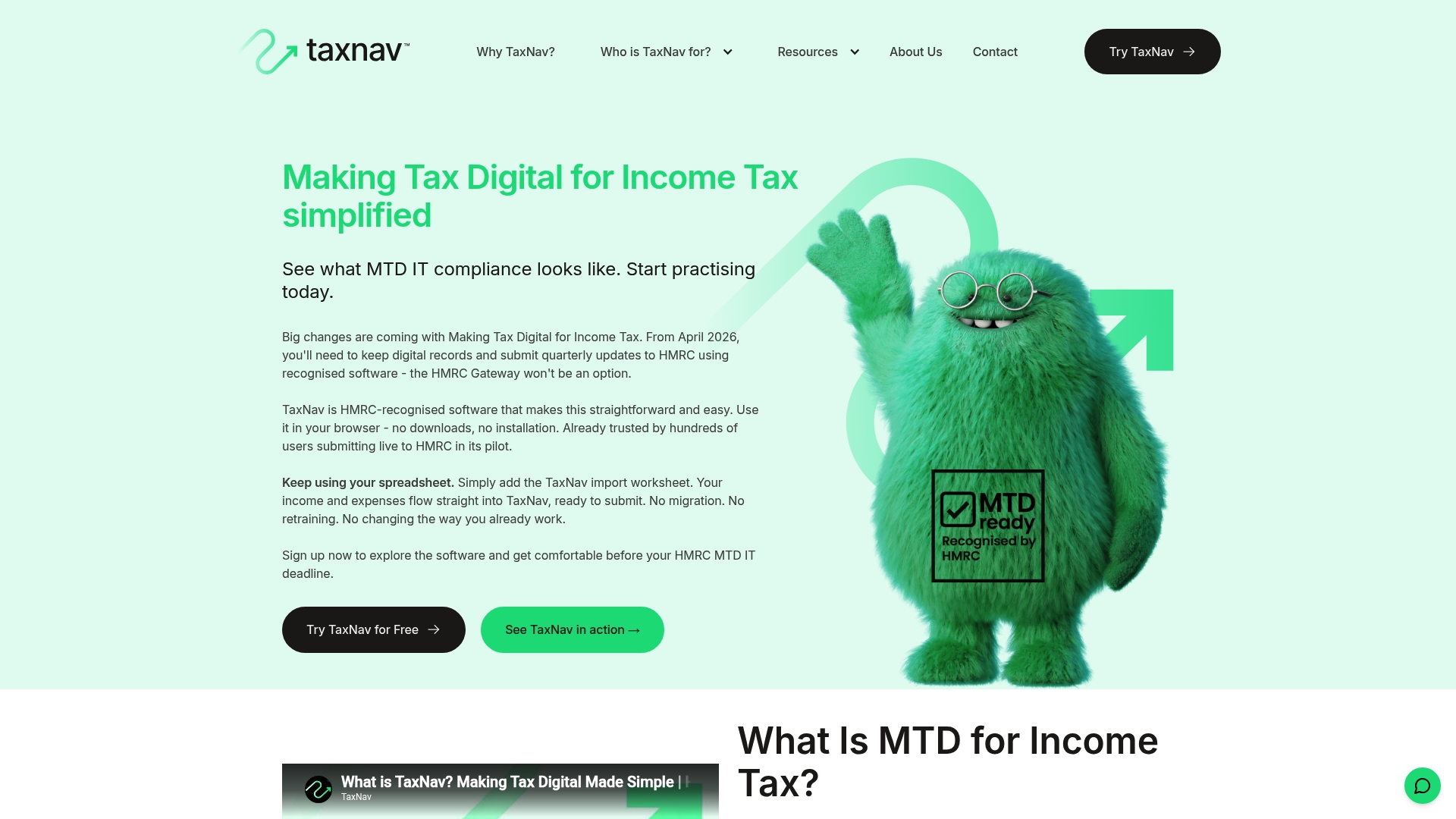
TaxNav is an HMRC recognised browser based tool that focuses on Making Tax Digital for Income Tax with simple quarterly submissions and a final declaration. It suits UK self employed people and landlords who want spreadsheet continuity without heavy software change.
Core Features
TaxNav offers digital record keeping, spreadsheet importing, and real time tax estimates all inside a browser based platform so nothing needs to be installed locally. It imports Excel Google Sheets and Numbers files and performs AI error checking to flag obvious issues before you submit.
The product supports self employment UK property and foreign property income under a single licence so one account covers multiple income streams. It also provides HMRC recognised quarterly submissions which meets the MTD IT requirement.
Pros
-
No downloads required: You can start using TaxNav in your browser which reduces setup time and avoids software compatibility headaches.
-
Supports existing spreadsheet workflows: If you already keep records in spreadsheets you can import them directly rather than rekeying data which saves time.
-
Full compliance with HMRC requirements: TaxNav connects to HMRC for MTD IT submissions so you file in the format HMRC expects.
-
Flexible pricing options: A free trial is available and you can choose monthly or annual billing which helps manage cash flow.
-
UK based support and secure storage: Support located in the UK and secure storage give reassurance for users with UK tax affairs.
Cons
-
Pricing might be a concern for very small scale users who plan to migrate later as ongoing fees apply beyond the free trial.
-
Continued operation depends on HMRC recognition and updates which means changes at HMRC could require product updates that affect timing.
-
You must complete initial sign up with HMRC for MTD compliance which adds a setup step before submissions begin.
Who It's For
TaxNav fits sole traders landlords and accountants who prefer to keep using spreadsheets while meeting MTD IT rules. It is especially useful for people with mixed income types who want one licence to cover self employment and both UK and foreign property income.
Unique Value Proposition
TaxNav combines spreadsheet friendliness with HMRC recognised submission capability so you keep familiar workflows while moving to MTD compliance. The mix of AI error checking and real time tax estimates helps you spot issues and predict liabilities before quarter end.
Real World Use Case
A freelance graphic designer imports monthly invoices and expense sheets from Excel into TaxNav then reviews AI flagged items and uses the real time estimate to set aside cash for tax. Quarterly updates go to HMRC directly from the browser so compliance is straightforward.
Pricing
TaxNav offers a free trial at £0 followed by £6 plus VAT per month or £60 plus VAT per year which makes annual billing the cheaper option for ongoing use.
Website: https://www.taxnav.digital
ApariPro
At a Glance
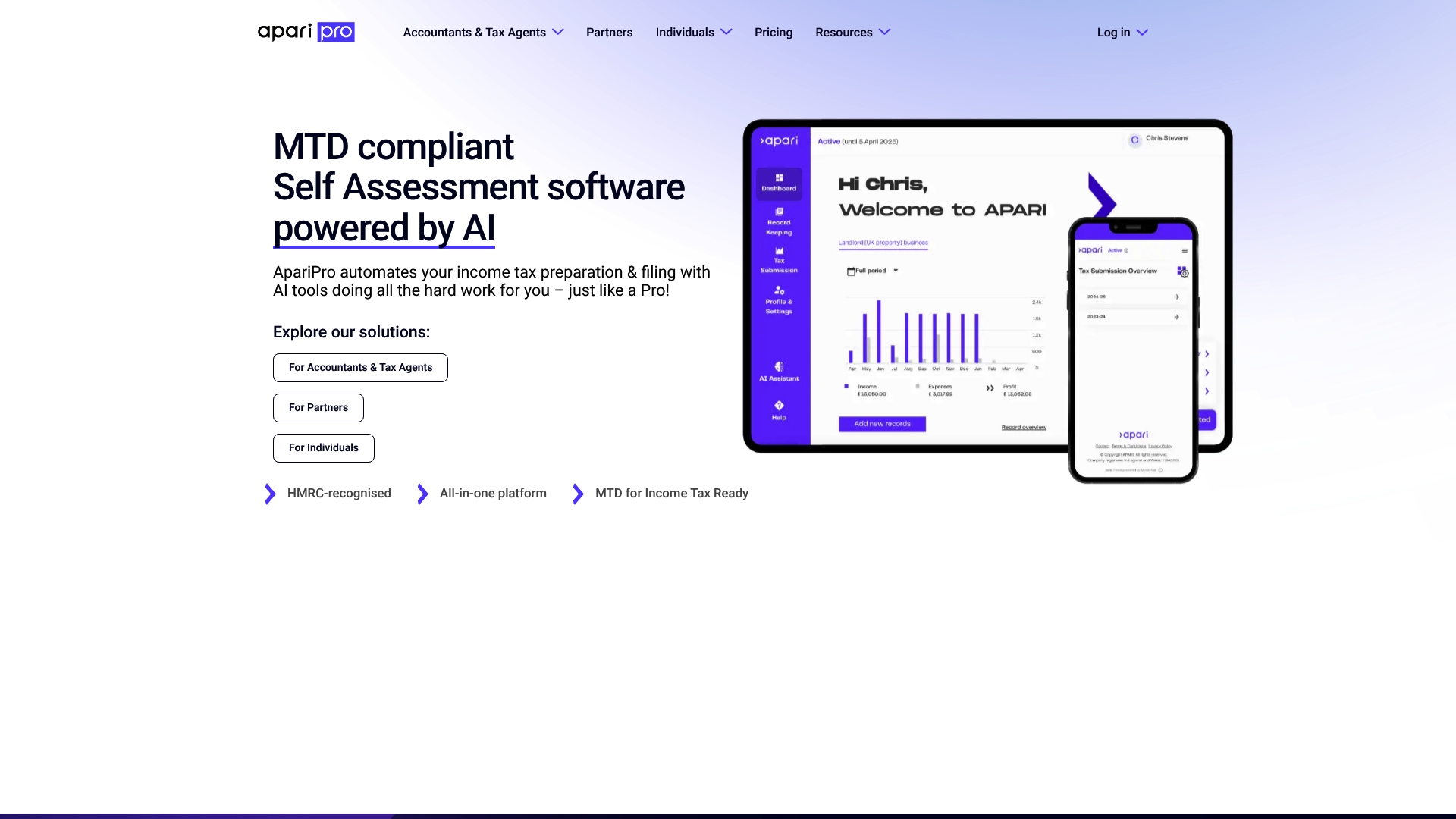
ApariPro is an AI-powered income tax platform built to reduce manual work for accountants, tax agents and individual taxpayers preparing for Making Tax Digital for Income Tax. It combines automated document capture with pre-filled returns to speed up filing.
The bottom line is clear. ApariPro suits practices that want HMRC recognition and AI assistance while retaining control of client workflows.
Core Features
ApariPro centres on AI-powered document analysis, data capture automation and pre-filled tax returns to shorten preparation time and cut keystrokes.
- AI-powered document analysis
- Data capture automation
- Pre-filled tax returns
- Automatic error checks
- Secure client-accountant communication interface
Pros
- Automates complex tax processes, saving time: The AI tools extract data from documents so routine manual entry falls away for accountants and agents.
- Pre-filled returns reduce manual data entry: Pre-populated fields minimise transcription errors and speed up the review cycle before submission to HMRC.
- Supports multiple income streams and compliance with MTD: The platform expressly targets MTD for Income Tax and handles varied income types for landlords and sole traders.
- Recognised by HMRC for MTD readiness: Official recognition gives firms confidence the system aligns with regulatory expectations.
- Offers solutions tailored for different user profiles: Separate pathways for accountants, partners and individuals help match functionality to needs.
Cons
- Pricing details are provided upon request, which may be a barrier for some users: Lack of transparent tariffs makes budgeting and direct comparison harder for sole traders and small practices.
- Potential learning curve for new users unfamiliar with AI tools: Firms unfamiliar with AI workflows will need time to adapt and train staff or clients.
- Limited specific feature comparison without further details: The product brief does not list integrations, reporting depth or migration paths, leaving some procurement questions unanswered.
Who It's For
ApariPro fits accountants, tax agents and individual taxpayers who seek automation for income tax preparation and want MTD compliance. Small practices and landlords requiring support for multiple income streams will find the focus relevant.
Unique Value Proposition
ApariPro blends automated document capture with HMRC recognition to deliver a purpose-built MTD for Income Tax workflow. Its emphasis on pre-filled returns and secure client communication reduces back-and-forth and accelerates sign-off.
Real World Use Case
An accountant manages multiple clients using ApariPro to scan client paperwork, extract figures and produce pre-filled returns for review. The practice reduces manual input, shortens review times and submits compliant returns to HMRC.
Pricing
Pricing is available on request with tailored solutions for accountants, partners and individuals; budget-conscious sole traders should contact sales for exact costs and package details.
Website: https://www.aparipro.com
AbraTax
At a Glance
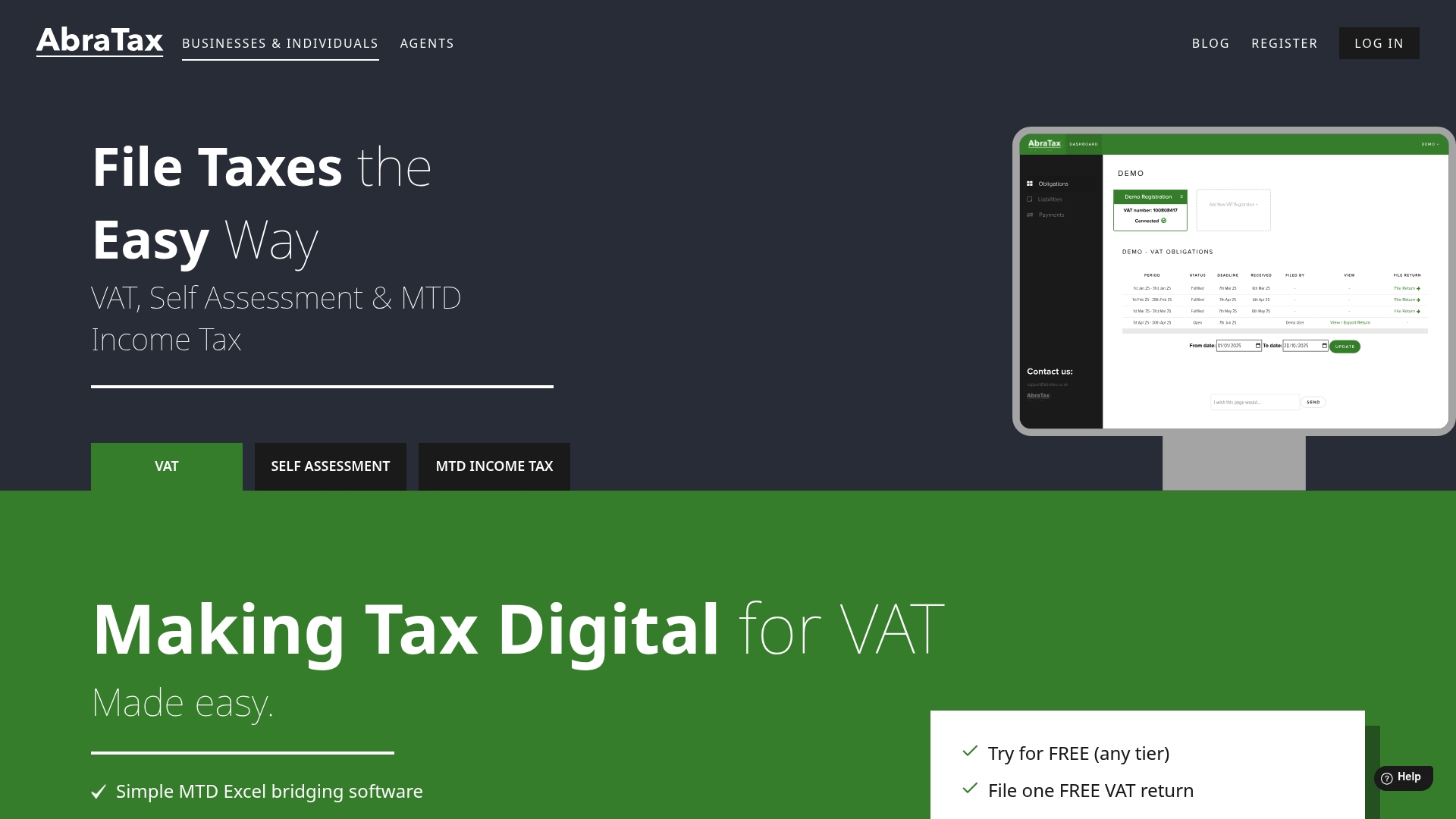
AbraTax is a focused, HMRC recognised tool for MTD VAT filing that favours simplicity and compliance for small businesses and sole traders. It works well if you want straightforward VAT submissions and Excel bridging without a steep learning curve.
Core Features
AbraTax provides HMRC recognised MTD software for VAT with tools to manage returns, view historic VAT information and receive filing reminders and validations. The platform includes Excel bridging software to submit VAT data directly from spreadsheets and supports adding multiple VAT registrations and users.
Pros
-
User friendly interface: The layout and workflows make filing VAT simple for non technical users so you waste less time on navigation.
-
No card required for trial: You can test the service without entering payment details which reduces risk when you try a new provider.
-
Supports multiple VAT registrations: The ability to add several registrations and users helps businesses that handle VAT for different trading entities or client portfolios.
-
Free initial VAT return filing: The complimentary first filing lowers the barrier to try AbraTax for a one off setup.
-
Compliance with HMRC requirements: Built to meet MTD rules so submissions comply with the official API and validation steps.
Cons
-
Primary focus on VAT: The service emphasises VAT functionality and provides less information about Self Assessment and Income Tax features for sole traders.
-
Pricing may restrict high volume filers: The plans are practical for small and medium users but could become expensive for very large businesses or frequent filers unless they move to higher tiers.
-
Limited publicly documented extras: There is little detail about added services beyond VAT bridging and core compliance which leaves questions for businesses with complex tax needs.
Who It's For
AbraTax suits small to medium businesses and sole traders who need a reliable, low complexity route to meet MTD VAT obligations. It appeals to accountants managing a handful of registrations and business owners who prefer Excel based workflows.
Unique Value Proposition
AbraTax stands out by combining direct HMRC recognition with practical Excel bridging and support for multiple VAT registrations, making it a sensible choice for firms that rely on spreadsheets but need fully compliant submissions.
Real World Use Case
A small business owner keeps VAT records in Excel and uses AbraTax to validate and submit returns, manage two VAT registrations and avoid late penalties. The process replaces manual form filling and reduces time spent on quarterly compliance.
Pricing
Plans start from £10 per month for one VAT registration with tiered options for multiple registrations and users. The entry point makes it accessible for sole traders and small firms looking to move to MTD compliant filing.
Website: https://www.abratax.co.uk
Absolute Tax
At a Glance
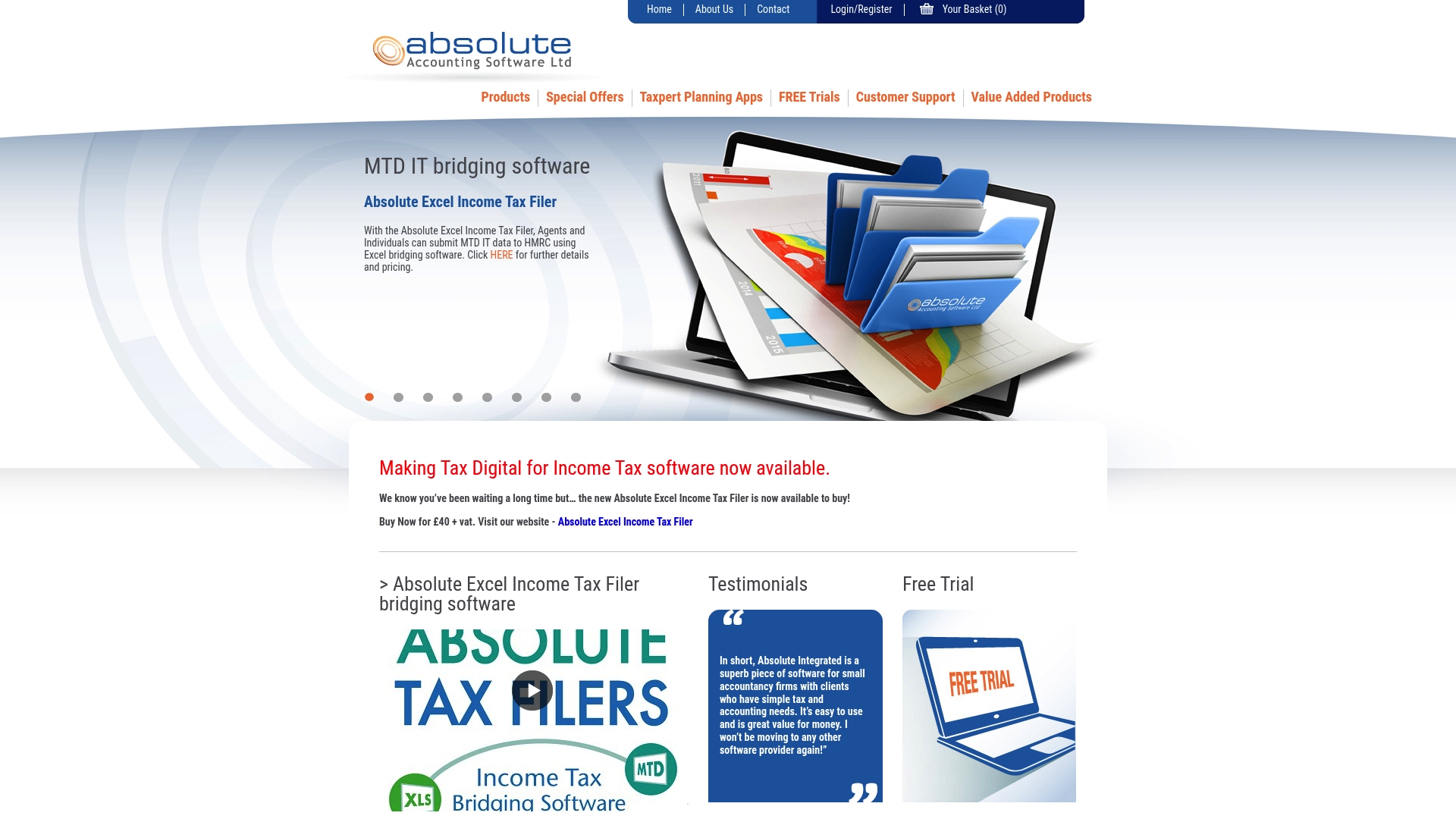
Absolute Tax is a HMRC recognised suite aimed at accountants, practices and individuals preparing for MTD. It combines bridging tools and full practice software with clear training resources while keeping some pricing details behind enquiry.
Core Features
Absolute Tax offers bridging software for Income Tax and VAT alongside accounting, payroll and practice management modules. The platform also bundles CPD and training in selected packages and supplies targeted tools such as the Absolute Excel Income Tax Filer.
Pros
- Wide product range: The suite covers bridging, accounting, tax returns and payroll so you can consolidate several compliance tasks under one provider.
- MTD compatible: Software is recognised for Making Tax Digital which reduces friction when submitting Income Tax and VAT data to HMRC.
- Cost effective options: There are user friendly and budget conscious choices aimed at small firms and individual users.
- Support and training included: Several packages contain CPD and training materials which help practices bring staff up to speed quickly.
- Regular updates: The company issues updates and new offerings so the software keeps pace with regulatory change.
Cons
- Limited public user detail: The website does not include deep user experience feedback or case studies to illustrate real life limitations.
- Opaque pricing: Most price points are available only on request and some pages, which makes direct cost comparison harder when budgeting.
- Learning requirement: Users unfamiliar with tax software and HMRC procedures will need time to learn the interface and workflows.
Who It's For
Absolute Tax suits accountants, tax professionals and small accounting practices moving to MTD who prefer a vendor that covers bridging and practice level needs. Self employed clients who want straightforward Excel bridging or a low cost tax filer will also find relevant tools.
Unique Value Proposition
Absolute Tax combines bridging capability with practice management and payroll in one vendor which reduces the number of systems a firm must manage. The inclusion of training and CPD in packages helps practices achieve compliance without sourcing external courses.
Real World Use Case
An accountant prepares client returns using the Absolute Excel Income Tax Filer then submits MTD Income Tax via the bridging tool so clients remain compliant while retaining familiar Excel workflows. The practice uses bundled training to bring junior staff up to speed within weeks.
Pricing
Detailed pricing is published on product pages or supplied on request with special bundles and discounts for practices. Example pricing appears for the Excel Income Tax Filer at £40 plus VAT which gives a concrete reference when planning budgets.
Website: https://www.absolutetax.co.uk
Sage
At a Glance
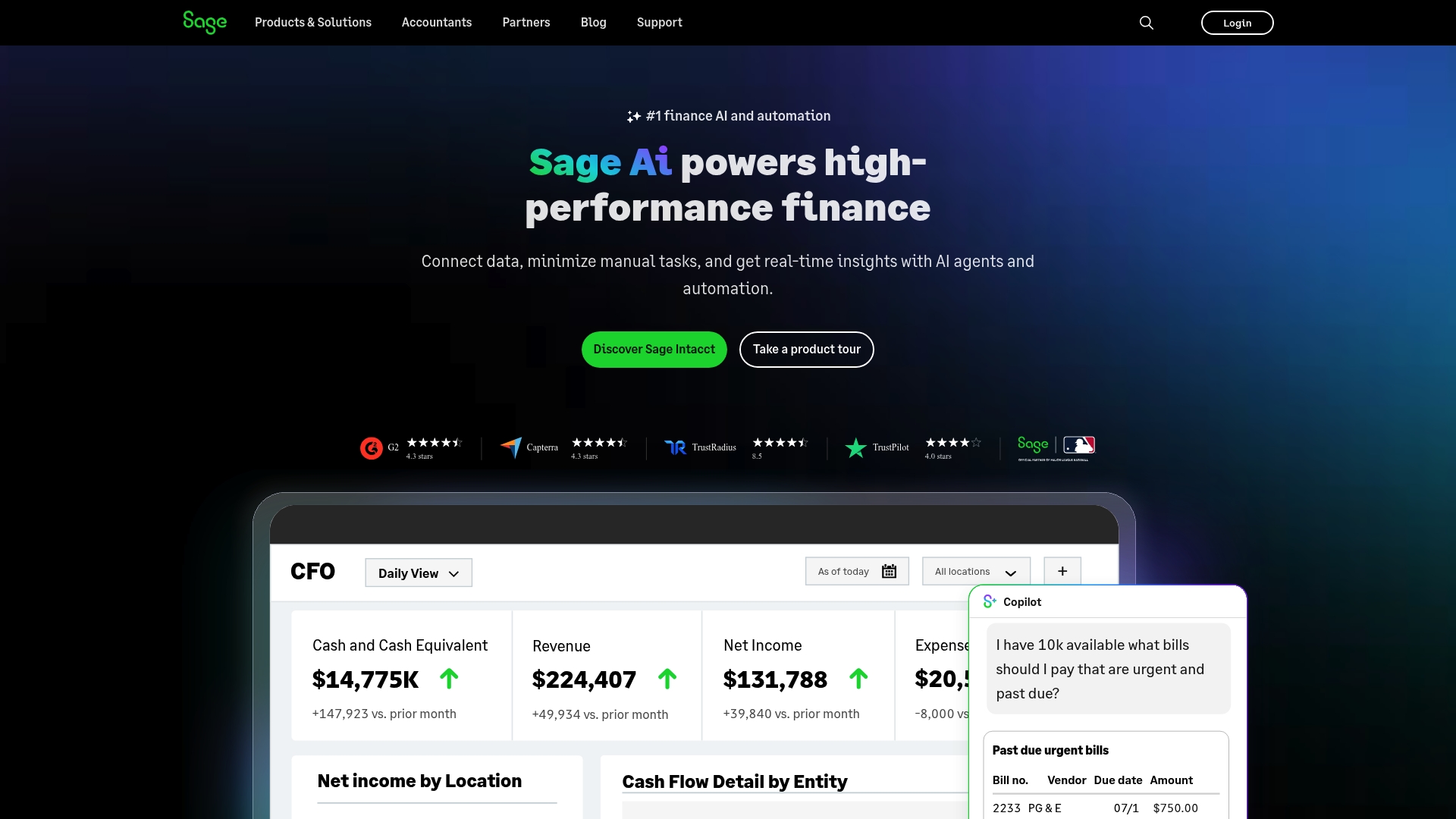
Sage is a comprehensive business management suite that bundles AI powered finance with cloud accounting and industry specific modules to support scaling organisations. The platform suits businesses that want automation and real time financial visibility across operations.
Core Features
Sage offers AI powered finance and automation, real time financial insights, industry specific software, cloud based ERP and automated accounts payable and receivable processes. These core capabilities focus on reducing manual work and delivering live reports for decision making.
Pros
- Robust automation capabilities make routine accounting tasks faster and reduce manual errors for finance teams.
- Wide range of industry specific solutions lets organisations pick modules that match retail distribution or subscription models.
- Scalable products suitable for small to large businesses support growth without forcing an early platform change.
- Strong security and trust measures give finance teams confidence when handling multi entity and multi currency data.
- Integration with various third party services helps centralise data flows and keeps existing systems connected.
Cons
- Complexity of features may require training and that learning curve can slow initial adoption for teams with limited accounting resource.
- Pricing details are not explicitly listed on the website so procurement requires direct contact and a quote request for accurate costs.
- Product options might be overwhelming for small startups that prefer a minimal, out of the box bookkeeping tool with fewer configuration choices.
Who It's For
Sage targets businesses seeking a comprehensive, scalable solution for financial and operational management rather than sole traders wanting a stripped back bookkeeping app. It fits finance teams that need automation, reporting and industry specific functionality across multiple entities.
Unique Value Proposition
Sage combines AI powered automation with industry specific modules and cloud based ERP to deliver a single platform for accounting, payroll and operational processes. The strength lies in bringing real time reports and automated payables and receivables into one trusted system.
Real World Use Case
A SaaS company uses Sage Intacct to automate billing, track cash flow, and generate real time financial reports to support scaling and investor reporting. That setup reduces manual month end work and provides clearer visibility for leadership and investors.
Pricing
Pricing details are not specified on the public site and interested users should contact Sage for quotes and customised plans. Expect tailored pricing based on modules, number of entities and level of support required.
Website: https://www.sage.com
Making Tax Digital Tool Comparison
Below is a comprehensive comparison of various Making Tax Digital (MTD) tools designed to assess their features, advantages, target users, and pricing, helping users make informed decisions.
| Product | Key Features | Pros | Cons | Pricing |
|---|---|---|---|---|
| VoxaMTD | Free core, MTD compliance, AI categorization, landlord tools, conversational AI. | Free core compliance, high accuracy, tailored support for landlords. | Paid tiers for advanced features. | Free core, premium plans from £15 to £40/month. |
| TaxNav | Browser-based platform, supports spreadsheets, AI error checking, real-time tax estimates. | Import spreadsheet workflows, flexible billing options. | Requires HMRC setup for MTD compliance. | £6/month plus VAT, £60 annually. |
| ApariPro | AI document analysis, automated data capture, pre-filled tax returns. | Automates tax processes, supports integration for diverse users. | Lack of transparent pricing, steep learning curve. | Pricing upon request. |
| AbraTax | MTD VAT filing, Excel bridging, multi-user support. | Focuses on VAT compliance, user-friendly interface. | Limited to VAT-specific features. | Plans start at £10/month for single registration. |
| Absolute Tax | Bridging for MTD IT and VAT, CPD training resources, Excel Income Tax Filer. | Wide product range, includes CPD and training. | Pricing primarily on request, limited feedback. | Excel Filer: £40 plus VAT. |
| Sage | Comprehensive business management, AI automation, cloud-based ERP, industry module support. | Scalable solutions, AI-driven automation. | High complexity might require training, pricing unclear. | Custom pricing based on requirements. |
Simplify Your MTD Compliance with VoxaMTD
As the April 2026 Making Tax Digital mandate approaches, choosing the right tool to handle quarterly submissions can feel overwhelming. Many UK sole traders and landlords face the challenge of juggling cost, accuracy and ease of use. From the article on top accountant checked MTD tools, it’s clear that automation, HMRC recognition and tailored features for landlords and sole traders are vital to reduce costly errors while saving time.
VoxaMTD addresses these pain points with its free core platform featuring 95% accurate AI transaction categorisation, direct HMRC production API submissions and FCA-regulated open banking through Finexer. Plus, the unique Alex AI Accountant provides instant financial insights via voice or messaging, empowering you to make confident tax decisions anytime. Whether you want the free tier or expert review in the paid Professional options, VoxaMTD ensures professional grade MTD compliance without the hefty £30–65 monthly fees.
Discover how VoxaMTD can transform your tax workflow—visit VoxaMTD today to explore the full platform and sign up for free. Start preparing now and stay ahead of your compliance obligations with the "Accountant in Your Pocket".
Frequently Asked Questions
What are the key benefits of using accountant checked MTD tools?
Using accountant checked MTD tools ensures that your tax submissions are compliant with the latest regulations. They provide features that simplify record-keeping and automate calculations, saving you time and reducing errors. Evaluate your options and choose one that aligns with your business needs to achieve compliance effectively.
How do I know if a MTD tool is suitable for my accounting needs?
Assess whether the tool provides features tailored to your specific income streams and whether it integrates smoothly with your existing systems. Check if it offers real-time insights and automated error checking to streamline your workflow and enhance accuracy. Test the tool through a free trial if available to gauge its suitability before fully committing.
What does 'HMRC recognised' mean for MTD tools?
'HMRC recognised' means that the tool meets the standards set by the HM Revenue and Customs, ensuring it can submit tax data electronically in compliance with MTD requirements. This recognition is crucial for ensuring your submissions are valid and reduces the risk of compliance issues. Verify this accreditation when selecting a tool for your tax submissions.
Can accountant checked MTD tools help with multiple income streams?
Yes, many accountant checked MTD tools are designed to support various income types, such as self-employment and property income. This allows you to manage all your tax obligations under one platform, simplifying reporting and compliance. Review the capabilities of each tool to ensure it meets the needs of your specific income sources.
How often should I update my financial records using MTD tools?
You should update your financial records regularly, ideally on a monthly basis, to ensure accuracy and compliance. Frequent updates allow you to track your tax liabilities in real-time, enabling better financial planning. Set reminders or automate submissions through your chosen MTD tool to maintain organised records consistently.
What should I consider when comparing the pricing of MTD tools?
When comparing pricing, consider the features included at each price tier as well as whether there are any hidden fees for additional functionalities. Look for tools that offer transparent pricing and flexible plans to fit your budget, especially if you're transitioning from legacy software. Use the pricing information to weigh the value each tool provides against your business requirements.