
Finding the right solution for managing online tax submissions can feel overwhelming with so many options out there. Each platform brings its own mix of features, pricing, and user experience. Some focus on simplicity while others offer advanced tools for those who want a bit more. Choosing one all comes down to what suits your needs and style best. Discovering the finer details can make a big difference in how easy your tax filing journey turns out.
Table of Contents
VoxaMTD
At a Glance
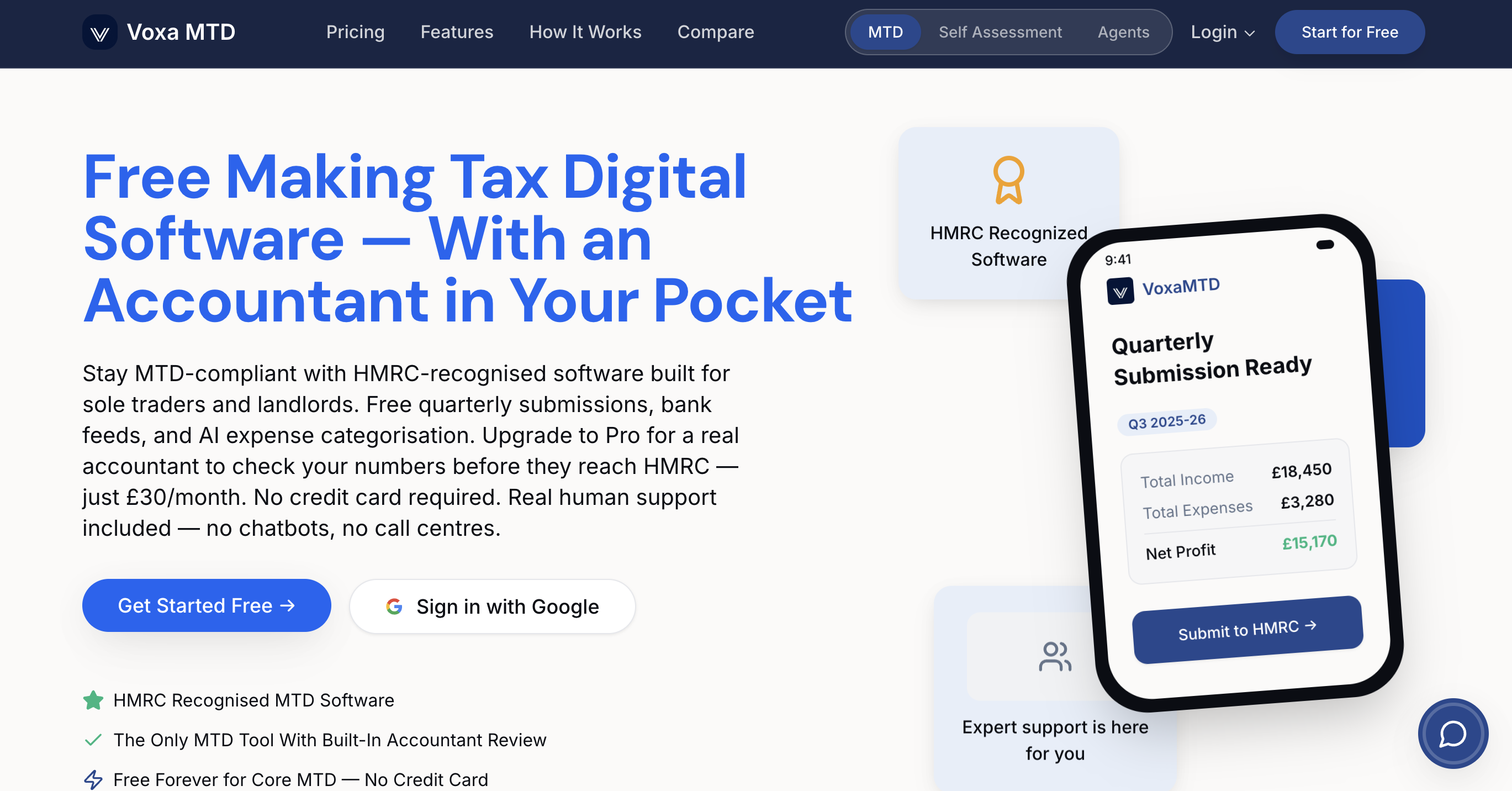
VoxaMTD is a free, HMRC-recognised MTD platform built specifically for UK sole traders, landlords, and agents. It combines straightforward quarterly submissions with AI tools to cut manual work and reduce filing anxiety.
Quick. Reliable. Designed for the April 2026 MTD crowd.
Core Features
VoxaMTD handles free quarterly HMRC submissions and connects to any UK bank via open banking integration so transactions import automatically. The platform offers AI expense categorisation with 95 percent accuracy, a mileage tracker at HMRC rates and Unlimited invoicing at no extra cost.
It also includes Alex AI voice assistant for conversational tax questions, property income tracking for landlords, and secure bank level encryption alongside ICO registration.
Pros
- Free to use: Core MTD compliance is free forever so you avoid upfront costs or setup fees.
- Bank connectivity: Works with all UK banks through open banking to keep statements flowing automatically into your records.
- AI reduces manual work: AI expense categorisation slashes bookkeeping time by organising receipts and transactions with strong accuracy.
- Optional accountant review: You can choose a qualified accountant to review filings before submission for extra confidence.
- Unlimited invoicing: Create and send invoices without hitting a paywall or artificial limits on usage.
Who It's For
VoxaMTD suits self employed people and landlords in the UK who need simple, automated MTD compliance without a high price tag. It also works for accountants managing multiple client filings who want efficient client onboarding and submission workflows.
If you file quarterly and want fewer spreadsheets, this is for you.
Unique Value Proposition
VoxaMTD combines genuinely free core MTD compliance with practical automation and optional professional support so you do less busy work and keep control. The platform emphasises low friction: connect any bank, let AI sort expenses, ask Alex AI voice assistant simple tax questions, then choose an accountant review when you want reassurance.
That mix of free compliance, high accuracy AI, and a clear upgrade path makes VoxaMTD a top tier choice for pragmatic buyers who value sovereignty over their books and the option of human oversight without being locked into costly plans.
Real World Use Case
A UK sole trader links a business account, watches transactions import via open banking, and lets AI tag expenses. Before the quarterly deadline they open the filing, review AI suggestions, and submit to HMRC with minimal manual edits and no last minute panic.
Pricing
Core MTD features are free forever. Paid plans add advanced AI tools and professional accountant reviews, with paid tiers starting at £15 per month. Upgrades are optional and aimed at users who want deeper automation or expert checks.
Website: https://voxamtd.com
Making Tax Digital for Income Tax
At a Glance
Making Tax Digital is HMRC's central hub for preparatory information on the MTD rollout for income tax. MTD focuses on deadlines, who must comply and where to find approved software and guidance ahead of April 2026.
Core Features
The site offers clear guidance on start dates and tailored pages for sole traders and landlords that explain when rules apply and what records to keep. It also lists software options both free and approved and provides downloadable guides and regular news updates.
Pros
-
Tailored guidance for groups: The site provides distinct guidance for sole traders, landlords and other taxpayer categories so you quickly find relevant steps.
-
Links to approved software: It points to both free and paid software options so you can compare solutions without searching elsewhere.
-
Regular updates and deadlines: The platform keeps a running set of updates and compliance dates so you are less likely to miss a key submission window.
-
Downloadable resources: The downloadable guides and checklists simplify record keeping and quarterly reporting preparation for keepers of small accounts.
-
Wide user coverage: The content targets sole traders landlords small businesses and tax professionals which broadens its practical utility across user types.
Cons
-
Limited technical detail: The site does not provide in depth technical specifications for each software option so developers and power users may need vendor pages for integration details.
-
UK centric scope: The content centres on UK taxpayers and is not aimed at international users seeking comparable guidance which reduces relevance outside the UK.
-
Navigation can demand time: Some topics require clicking through multiple pages to gather full details which adds friction when you need a quick answer.
Who It's For
This resource suits UK sole traders landlords and small businesses preparing for the April 2026 MTD changes who want an official starting point. It is also useful for accountants advising clients and needing an HMRC reference to share.
Unique Value Proposition
The site acts as HMRC's centralised information source for MTD for income tax and therefore carries official standing. Its strength lies in collecting start dates software links and downloadable guidance in one place which reduces confusion about compliance steps.
Real World Use Case
A sole trader can follow the site to identify approved software choose a free option if budget is tight and download checklists to convert paper records into the required digital format before quarterly submissions begin.
Pricing
The platform does not sell software directly and does not publish platform fees. It lists both free options and paid solutions with links so you can evaluate cost per month directly with the vendor.
Website: https://www.mtdforincometax.co.uk/
TaxCalc
At a Glance
TaxCalc is an award winning tax return and accountancy suite aimed at accountants, businesses and individuals who need robust compliance and practice management tools. It is trusted at scale but can feel heavyweight for single person operations.
Core Features
TaxCalc bundles tax return and accountancy software with practice management modules such as Engager, WorkFlow and Time, plus Companies House integration for company filings. Remote working tools include CloudConnect, Document Manager, eSign Centre and a Communications Centre while MTD support covers VAT and income tax self assessment.
Pros
-
Trusted by over 12,000 firms: A large user base gives confidence that the product handles diverse client types and complex workflows reliably.
-
Award winning software: Industry recognition for Best Tax Preparation and Best Accounts Production in 2020 and 2021 reflects a mature product with proven technical strengths.
-
Comprehensive feature set: Tax, accounts, compliance and practice management are included under one roof which reduces the need to stitch several tools together for client work.
-
Flexible remote working tools: Built in CloudConnect, Document Manager and eSign Centre let teams continue client work from anywhere and simplify paperless client onboarding.
-
Making Tax Digital support: Native MTD capabilities for VAT and income tax self assessment mean firms can submit digitally to HMRC without additional middleware.
Cons
-
Pricing not published online: Specific costs require contact which makes quick budgeting difficult for sole traders and very small practices seeking transparent fees.
-
Complexity for small users: The depth of features and modular design means new users need training and small practices may find some modules more extensive than necessary.
Who It's For
TaxCalc suits accountancy practices, tax professionals and medium sized businesses that manage multiple client returns and require integrated practice management. Self employed individuals who want a full suite may find it useful but should weigh complexity against need.
Unique Value Proposition
The product brings together practice management and compliance in a single platform with mature remote working tools and established MTD support. That combination appeals to firms wanting consolidation of systems and reliable HMRC submissions.
Real World Use Case
An accountancy firm uses TaxCalc to coordinate teams, allocate jobs via WorkFlow, collect documents through Document Manager and file client returns to HMRC. CloudConnect enabled the firm to maintain service levels during remote working periods.
Pricing
Modules start at listed entry points such as £22 for VAT Filer and £42 for Self Assessment software while other modules and services are priced per product or on request. Contact TaxCalc for detailed quotes tailored to the mix of modules you need.
Website: https://taxcalc.com
123 Sheets
At a Glance
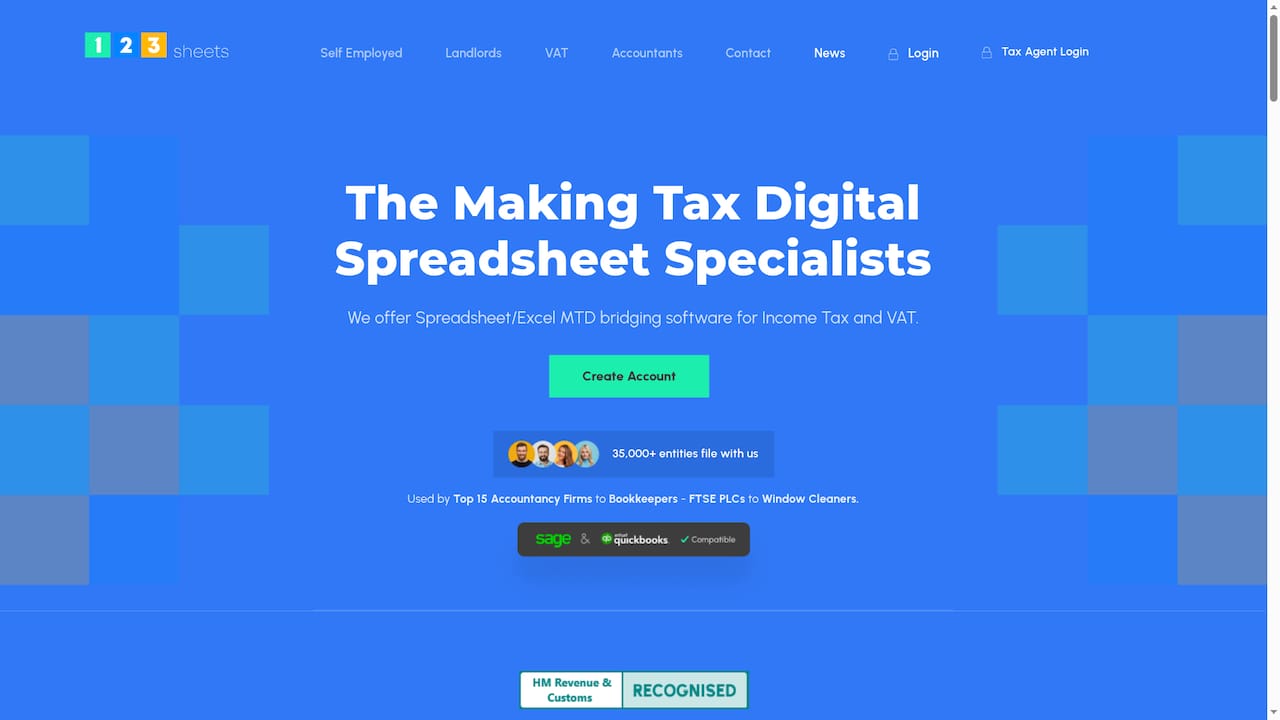
123 Sheets is a spreadsheet based MTD bridging solution that lets accountants and small businesses file VAT and Income Tax directly from familiar spreadsheets. It is HMRC recognised and aimed at users who prefer Excel or similar tools over full accounting packages.
Core Features
123 Sheets provides MTD bridging software compatible with Microsoft Excel and other spreadsheet programmes including Google Sheets, Apple Numbers, Libre Office and Open Office. The product supports encrypted data transfer, limited data storage of financial figures and holds security certifications such as ISO27001 and Cyber Essentials.
Pros
-
Trusted by professionals: Top accountancy firms and bookkeepers use 123 Sheets, which signals reliability for client work.
-
HMRC recognised compliance: The software meets Making Tax Digital requirements for VAT and Income Tax, making submissions accepted by HMRC.
-
Wide spreadsheet compatibility: It works with multiple spreadsheet programmes so you can keep the workflows you already use.
-
Strong security posture: ISO27001 and Cyber Essentials Plus certificates protect data during transfer and storage.
-
Simple to use: The interface keeps tasks straightforward so teams spend less time mapping spreadsheet cells before submission.
Cons
-
Specific to spreadsheet based filings, it may not fit practices that run on dedicated accounting software only.
-
Focused mainly on VAT and Income Tax, it does not cover other tax types that some firms track.
-
Reliant on spreadsheet software for data handling, so users must manage formulas and templates themselves.
Who It's For
Accountants, bookkeepers, small business owners, landlords and sole traders who work within spreadsheets will get most value from 123 Sheets. It fits teams that need HMRC recognised bridging without migrating to a full accounting system.
Unique Value Proposition
123 Sheets turns existing spreadsheet workflows into HMRC compliant submissions, removing the need to rekey figures into separate software. Its combination of broad spreadsheet compatibility and formal security certification makes it appealing for firms handling sensitive client data.
Real World Use Case
An accountant prepares VAT returns for multiple clients using Excel templates. They upload or link those spreadsheets to 123 Sheets, submit each client return to HMRC and keep data storage minimal while retaining full control over spreadsheet formulas and client records.
Pricing
Pricing details are shown on each tax specific page after account creation, so you can review costs that match the type of tax work you carry out.
Website: https://123sheets.com
Making Tax Digital Tools Comparison
Below is a comprehensive comparison of various Making Tax Digital (MTD) tools designed for diverse user needs, including their core features, pros, cons, target audience, and pricing structure.
| Tool Name | Core Features | Pros | Cons | Pricing |
|---|---|---|---|---|
| VoxaMTD | Free quarterly HMRC submissions, AI expense categorization, mileage tracker | Free-to-use, AI reduces paperwork, supports UK banks | Primarily for basic compliance needs | Free core features, paid tiers start at £15/month |
| Making Tax Digital (HMRC) | Guidance for income tax digitalization, approved software lists | Links to free and paid software, HMRC-recognized information | Limited technical/software detail | Free information portal |
| TaxCalc | Comprehensive tax, practice management, remote tools | Award-winning, supports professional workflows | Complex for small operations, no transparent pricing | Starting at £22/module |
| 123 Sheets | Spreadsheet-based MTD filing, secure data transfer | Trusted by professionals, ISO27001-certified | Limited to VAT and income tax submissions | Pricing details available upon inquiry |
Simplify Your MTD Compliance with VoxaMTD
Navigating the challenges of the upcoming April 2026 Making Tax Digital mandate can leave UK sole traders and landlords feeling overwhelmed by complex software choices and manual data entry. If you want to reduce anxiety, cut down hours spent on quarterly submissions and avoid juggling multiple tools, VoxaMTD offers a tailored solution designed to put you in control. With AI-powered expense categorisation, automatic bank transaction imports via open banking and a conversational voice assistant ready to answer tax questions anytime, managing your compliance becomes straightforward and efficient.
Discover why many UK self-employed individuals trust VoxaMTD to handle free, HMRC-recognised quarterly submissions with optional professional reviews for added peace of mind. Take the next step towards stress-free tax management by visiting VoxaMTD and exploring how our intelligent platform can become your accountant in your pocket today.
Frequently Asked Questions
What are the features to consider when choosing an alternative to MTDforincometax.co.uk in 2026?
When selecting an alternative, examine features such as user-friendly interfaces, integration capabilities with existing financial tools, and compliance with Making Tax Digital regulations. Prioritise solutions that offer automated tax calculations and straightforward record-keeping to improve efficiency.
How can I ensure the chosen alternative meets HMRC compliance requirements?
Confirm that the alternative software is recognised by HMRC for Making Tax Digital compliance. Check for official certification or endorsements on the provider's website, as this ensures your submissions will be accepted without issues.
What should I do if I experience technical issues with my MTD alternative?
If you encounter technical problems, first consult the support documentation provided by the software. Following this, contact customer support for assistance to resolve the issues promptly, often within a few hours.
How can alternatives to MTDforincometax.co.uk streamline my tax submission process?
Look for features that automate data entry, such as integration with bank accounts or automatic expense categorisation. By using these tools, you can significantly reduce the time spent preparing submissions, sometimes by as much as 50%.
Are there any costs associated with using alternatives to MTDforincometax.co.uk?
Many alternatives offer both free and paid plans. Always review the pricing structure on the provider's website to understand any potential costs for advanced features that may benefit your tax processing needs.
How do I migrate my financial data to a new MTD software alternative?
Most alternatives provide clear guidelines for data migration, often including import templates for your financial records. Follow these guidelines closely to ensure a smooth transition, minimising potential data loss and inaccuracies.