

People are looking for smarter ways to manage their money and standard options do not always fit every need. New online banks and financial apps keep popping up offering more ways to pay save and spend. Some promise better rates while others focus on slick features or smoother account management. Each option competes for attention and each brings something fresh or bold to your wallet. If you have ever wondered what other choices might suit your style and how they compare to what you know now you are in for a surprising range of possibilities.
Table of Contents
Monzo Bank
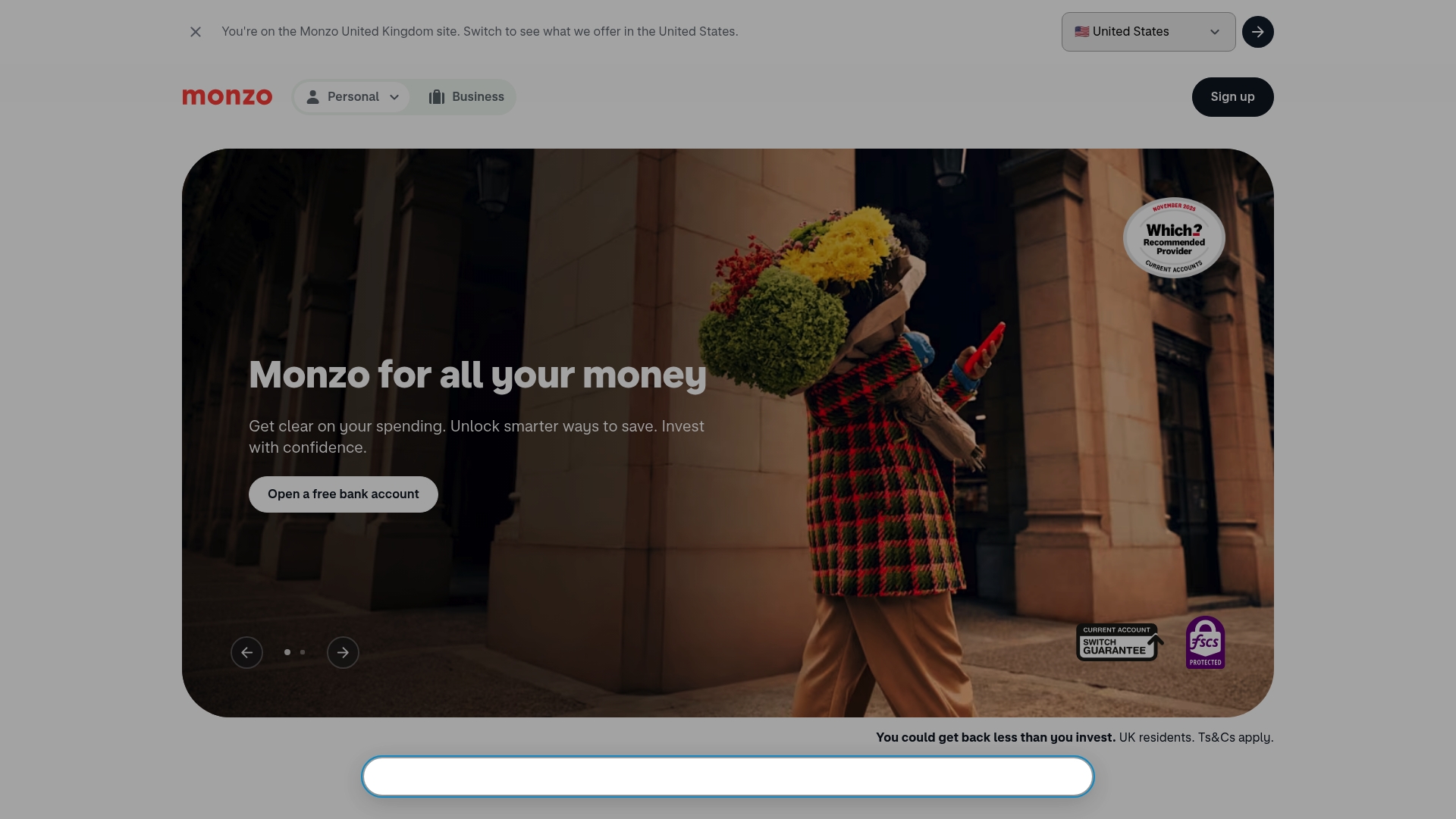
At a Glance
Monzo is a digital bank that centres on an intuitive app and strong security features, aimed at personal and business users in the UK. It suits users who want real time control over spending and straightforward access to savings and basic investing.
Core Features
Monzo provides a current account with tools to manage money and a small range of savings and investment options. The app delivers instant notifications for transactions and lets you freeze cards from the screen when needed.
- Fee-free payments abroad for everyday card spending.
- Pots for separate savings goals and roundups to boost small savings.
- Money management tools including categorisation and roundups to track spending.
- Security features such as card freeze and biometric login on the app.
- Investment and pension options alongside traditional banking products.
Pros
-
Highly rated customer service and user experience: Monzo has won awards and users report helpful support and clear app interactions.
-
Comprehensive financial management features within the app: The built in categorisation, Pots and roundups make budgeting simple and visible.
-
Strong security features including real time alerts and card control: You can act quickly when a card is lost or a suspicious transaction appears.
-
Recommended by Which? and awarded Best Business Banking Provider: External recognition adds credibility for business customers seeking reliability.
-
Transparent fee structure and a range of products: Basic features are free which keeps the account useful for cost conscious self employed users.
Cons
-
Limited to UK residents for certain products like investments and pensions: Non UK residents cannot access some services so cross border landlords should check eligibility.
-
Some premium features require paid plans: Extras such as enhanced protections or benefits sit behind subscription tiers.
-
You need a Monzo account to access some investment and pension services: That creates an extra step if you only want investing without broader banking.
Who It's For
Monzo suits UK residents who want an app based bank with clear spending tools and visible security. It works well for sole traders who need real time transaction alerts and landlords who want a simple current account for rent receipts.
Unique Value Proposition
Monzo combines a clean, consumer focused app with award winning support and easy to use saving features. Its standout point is immediate, visible control over money and card security delivered through the mobile experience.
Real World Use Case
A sole trader uses Monzo to separate business spending from personal costs, receives instant notifications for each sale and saves for a holiday using separate Pots. The app makes monthly reconciliations simpler and flags unusual activity quickly.
Pricing
Many features are free with optional paid plans for extra benefits, such as Monzo Plus (£5/month) and Monzo Plus (£7/month) for additional perks. Basic banking functions remain accessible without subscription which helps keep running costs low.
Website: https://monzo.com
Starling Bank
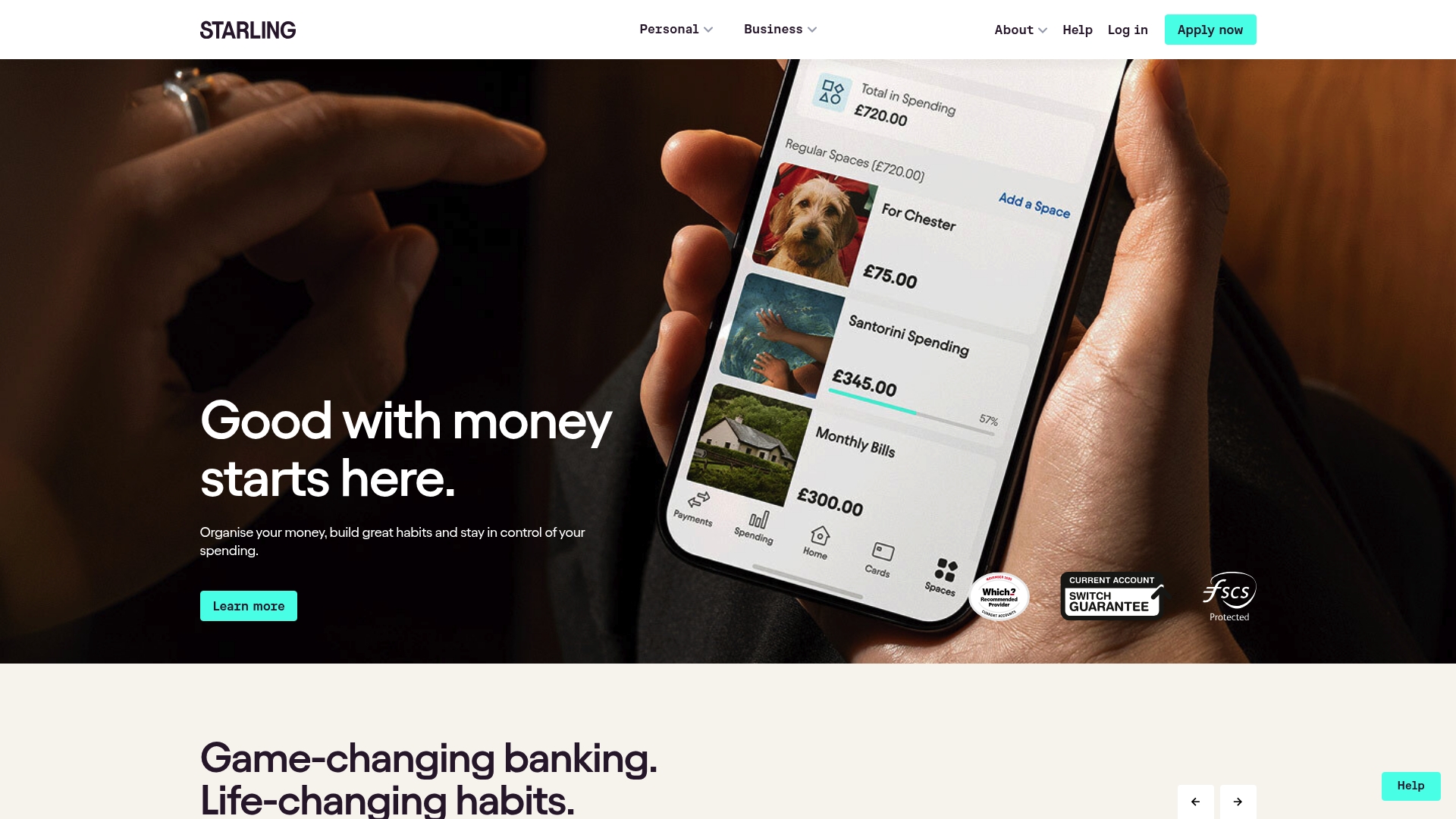
At a Glance
Starling Bank is a digital bank that helps you organise money, set goals, and manage spending within a single app. It combines FSCS protection and FCA regulation with user-friendly tools suited to personal, business and family needs.
Core Features
Starling provides Personal and Business Accounts, tools for budgeting and automated bill handling, plus travel friendly spending options. The app focuses on security and practical features that reduce manual bookkeeping for self employed users and landlords.
- Spaces for budgeting and goal setting
- Bills Manager for automated bill payments
- Spending Intelligence with AI driven insights
- No Fees Abroad to make overseas spending fee free and simple
Pros
-
High service reputation. Starling has award winning customer service ratings and a strong brand presence in UK digital banking.
-
Comprehensive budgeting tools. The Spaces feature and Spending Intelligence allow clear categorisation and goal tracking for business expenses and household budgets.
-
Robust security measures. The bank offers biometric recognition and scam detection AI to protect accounts and alert users to suspicious activity.
-
Competitive savings options. Starling lists industry leading savings accounts that appeal to customers hunting higher rates than typical current accounts.
-
Protections for customers. Deposits are covered by FSCS and regulatory oversight is provided by the FCA.
Cons
-
No physical branches. As a digital only bank, face to face support is unavailable which some landlords and self employed traders still value.
-
Variable interest rates. Savings yields change with market conditions, so projections for returns require regular review.
-
Eligibility restrictions. Certain accounts and features have eligibility criteria which can limit access for some business structures.
Who It's For
Starling suits individuals, families, and small business owners who prefer a mobile first banking experience with practical budgeting tools. Travellers and parents wanting under 16s accounts also gain value, while landlords benefit from quick transaction visibility.
Unique Value Proposition
Starling blends consumer grade app design with banking protections and smart automation. Its combination of automation for bills, goal based Spaces, and AI driven spending insights creates an effective day to day money manager that reduces manual bookkeeping.
Real World Use Case
A family uses Starling to set a holiday fund in Spaces, route standing orders through Bills Manager, and monitor spending with AI driven insights. The app keeps household and business transactions separate for clearer tax time reconciliations.
Pricing
Core personal and business accounts carry no monthly fees; savings accounts offer variable interest rates tied to market conditions. Specific accounts may have different terms depending on eligibility and product type.
Website: https://starlingbank.com
Revolut
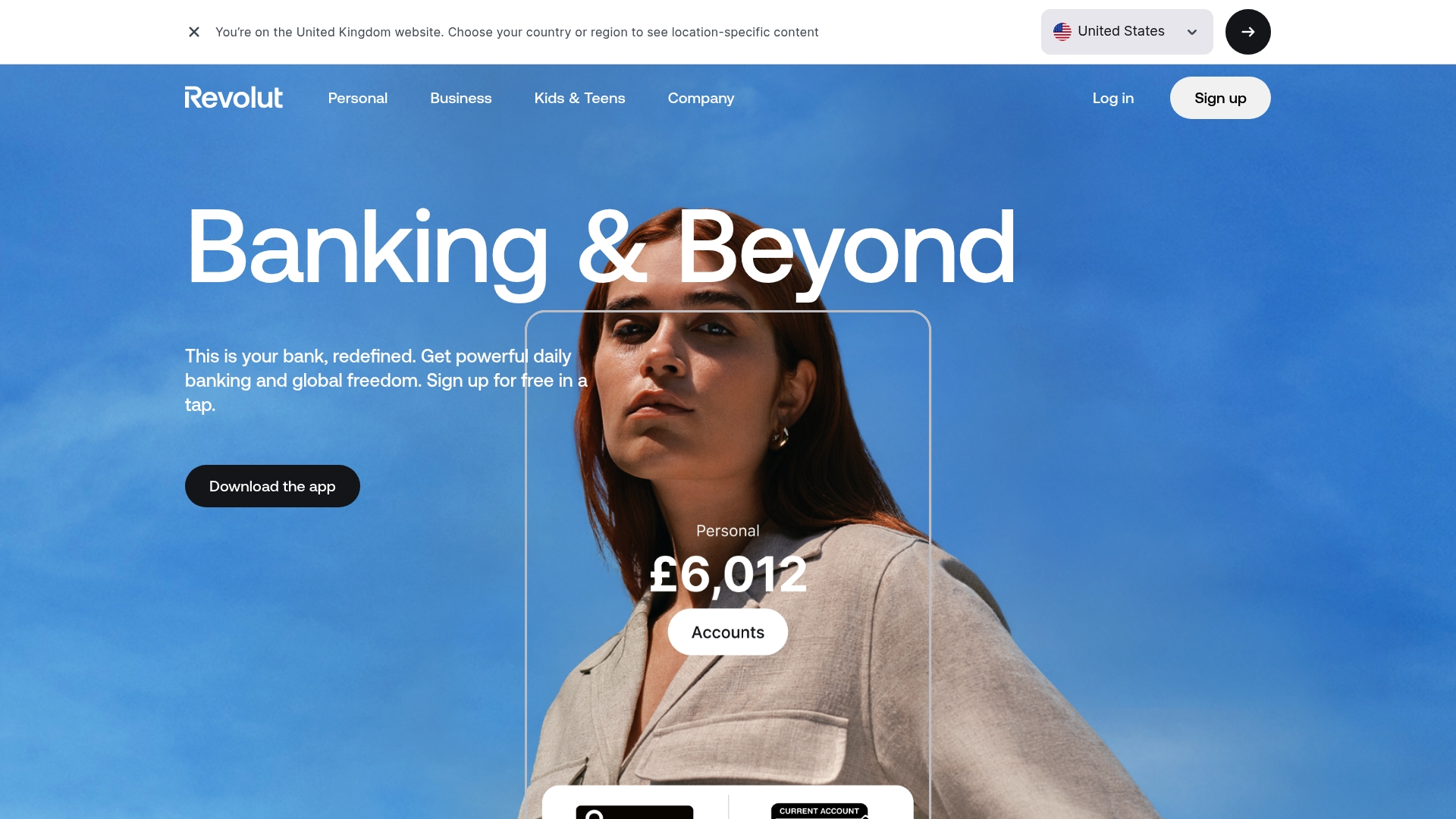
At a Glance
Revolut bundles multicurrency accounts and investment options into a single mobile app so you can manage daily banking and travel finances without switching providers. For self employed professionals and landlords who move money internationally, it delivers powerful functionality but some premium features sit behind paid plans.
Core Features
Revolut offers international money transfers, cryptocurrency trading, and access to stocks and ETFs alongside savings with advertised AER rates for the highest tier. The app also provides tiered plans with travel insurance, airport lounge access and other premium benefits for higher paying customers.
Pros
- Wide range of services in one app: You can hold multiple currencies, exchange money and trade investments from the same interface which reduces admin time.
- Competitive currency exchange rates: The platform advertises favourable rates that make it useful for frequent travellers and clients receiving or paying foreign invoices.
- No-fee international transfers depending on plan: Some plans include a number of fee free transfers which can lower costs for regular overseas payments.
- Multiple tiers for different needs: The Standard, Plus, Premium, Metal and Ultra plans let you pick functionality that matches your financial activity and travel habits.
- High interest on Ultra plan savings: The Ultra plan carries higher advertised AERs on qualifying balances which helps those saving for tax bills or long term goals.
Cons
- Some useful features and benefits are restricted to paid plans which means the free option offers limited capability for complex users.
- Fees apply for certain currency exchanges and cryptocurrency trading which can erode margins if you trade frequently.
- The range of plans and benefits can be confusing when you first sign up because features differ noticeably between tiers.
- Revolut has a limited physical presence which may unsettle users who prefer branch access or local paperwork support.
Who It's For
Revolut suits individuals who travel regularly, invoice in multiple currencies or want casual investing and crypto exposure alongside everyday banking. It works well for small business owners who need multicurrency flexibility but who are comfortable managing accounts digitally rather than face to face.
Unique Value Proposition
Revolut combines banking, currency exchange and basic investment services in a single mobile centred product which helps you manage cross border receipts and spend from one place. The clear appeal for landlords and the self employed is the ability to hold and move multiple currencies alongside savings options.
Real World Use Case
A frequent traveller running a UK consultancy uses Revolut to hold Pounds and Euros, exchange at competitive rates before travelling, and receive client payments without repeated conversion fees. They top up an Ultra plan for travel insurance and higher savings AER when preparing for a tax payment.
Pricing
Revolut provides a free Standard plan and Paid plans available per month: Plus at £3.99 per month, Premium at £7.99 per month, Metal at £14.99 per month and Ultra at £55 per month. Each paid tier unlocks additional travel benefits and higher savings rates.
Website: https://revolut.com
Digital Banking Solutions Comparison
To assist in selecting the optimal digital banking platform, this table provides a summary of key features, benefits, and pricing for Monzo, Starling Bank, and Revolut. Compare each option to determine the best fit for your financial management needs.
| Feature/Benefit | Monzo | Starling Bank | Revolut |
|---|---|---|---|
| Core Offering | App-based banking with savings and investment tools. | Digital bank with budgeting and automated bill handling. | Multicurrency accounts and integrated investment options. |
| Key Features | Fee-free abroad payments, money pots, and robust security. | Goal-setting spaces, bill automation, spending insights. | International transfers, cryptocurrency trading, and multi-tier plans. |
| Customer Focus | Sole traders and landlords seeking real-time alerts. | Families and businesses prioritizing budgeting tools. | Travellers and international money managers needing multicurrency support. |
| Pricing | Free basic account; Plus £5/month, Premium £7/month. | Free for core accounts; interest rates vary. | Free Standard plan; Premium plans from £3.99/month to £55/month. |
| Pros | Award-winning support; real-time money control. | FCA regulation; advanced budgeting tools. | Wide service range; favorable exchange rates. |
| Cons | UK residency restrictions for some products. | Lacks physical branches. | Limited features on free plan; fee complexity within tiers. |
Simplify Your Tax Compliance Alongside Your Banking Choices
Choosing the right bank like Monzo, Starling, or Revolut offers you great control over spending and security but managing your Making Tax Digital obligations can still feel complex. Many UK sole traders and landlords face challenges such as manually categorising expenses or struggling with quarterly HMRC submissions. VoxaMTD tackles these pain points directly with AI-powered expense categorisation and direct MTD submissions through Finexer open banking integration tailored for small business and property income users.
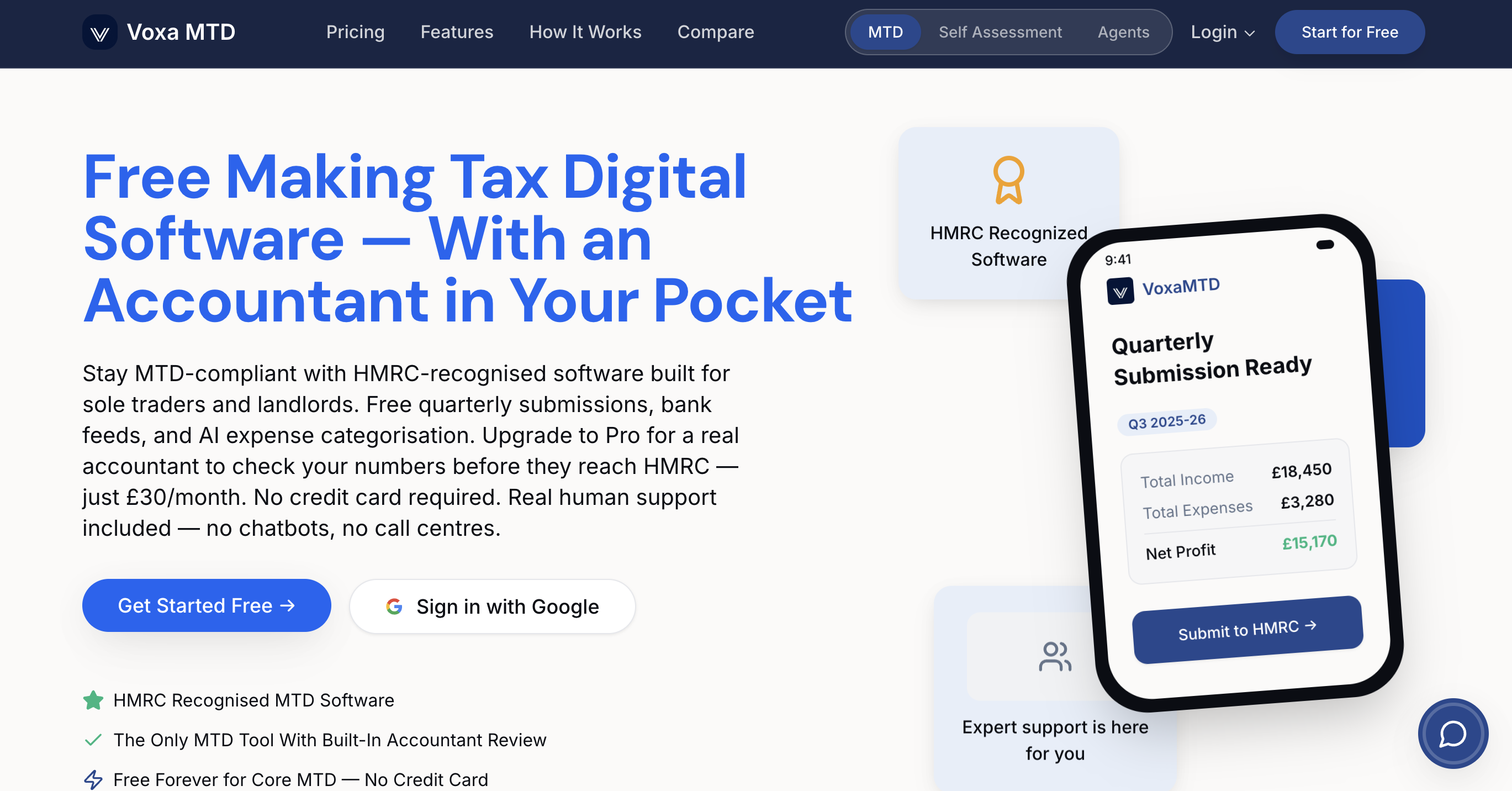
Explore how VoxaMTD acts as your accountant in your pocket providing 24/7 tax support via Alex AI Accountant, automatic transaction imports, and useful landlord features like a Section 24 mortgage calculator. Stay compliant seamlessly without disrupting your day-to-day banking. Start now by visiting VoxaMTD to see how effortless tax compliance can be when matched with your favourite current account alternatives.
Frequently Asked Questions
What are some key features to look for in alternatives to Monzo?
To find suitable alternatives to Monzo, focus on features like real-time spending notifications, budgeting tools, savings options, and strong security measures. Assess your personal or business banking needs to choose an app that aligns with your financial goals.
How can I compare the fees associated with different digital banks?
Compare the fee structures of different digital banks by reviewing their websites or app descriptions. Look for information on account maintenance fees, transaction charges, and any costs for premium features to understand potential monthly expenses.
Are there alternatives to Monzo that offer investment options?
Yes, several alternatives to Monzo provide investment options along with traditional banking services. Evaluate each option's investment products, such as stocks, ETFs, or cryptocurrencies, to determine which best fits your investing strategy.
How important is customer service when choosing a Monzo alternative?
Customer service is crucial when selecting a banking app, as efficient support can enhance your overall experience. Look for alternatives with high customer satisfaction ratings and accessible support options, such as chat or phone assistance, to address any issues quickly.
Can I easily switch from Monzo to an alternative bank?
Yes, switching from Monzo to an alternative bank is generally straightforward. Ensure you update your direct debits and transfers, and check if the new bank offers a switching service to help with the process and minimise disruptions.
What should I consider for security when selecting a Monzo alternative?
When choosing a Monzo alternative, consider the security features it offers, such as biometric authentication, card freezing options, and fraud detection systems. Prioritise banks with strong security protocols to protect your financial data effectively.