
Finding the right online accounting tool can shape the way businesses manage their finances. Features, support, and ease of use all play a part in what makes one platform stand out over another. Whether you run a small shop or handle the accounts for a growing company, the options out there might surprise you. Each service brings something new to the table and can fit different needs and budgets. Curious about how the alternatives stack up and what they could offer your business
Table of Contents
VoxaMTD
At a Glance
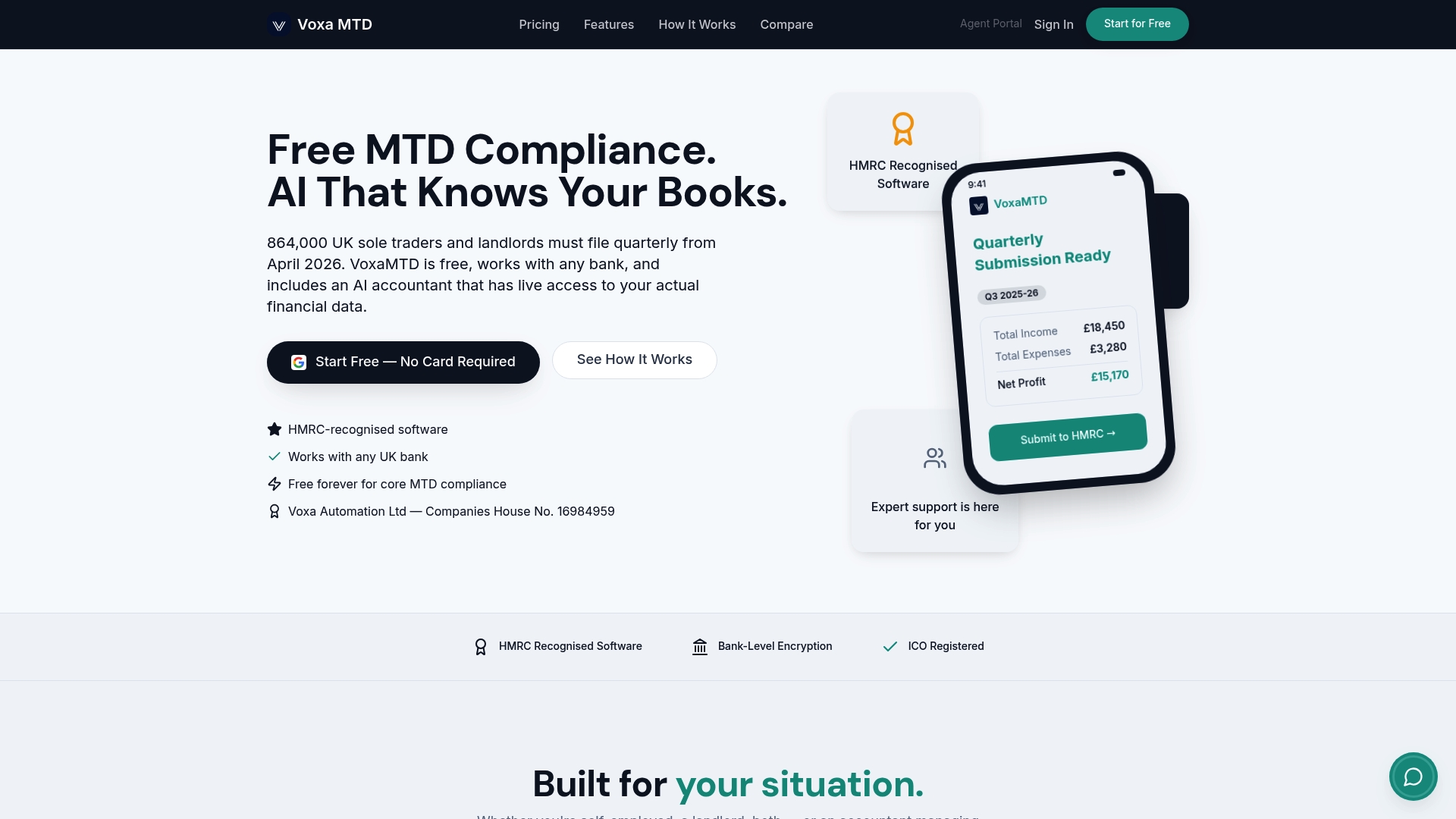
VoxaMTD is a free, HMRC-recognised MTD platform that makes quarterly tax submissions straightforward for UK sole traders and landlords. It combines automated bank feeds, high accuracy AI categorisation and optional human accountant reviews to reduce errors and save time.
Core Features
The platform offers free quarterly HMRC submissions, AI expense categorisation with 95% accuracy, and open banking integration with any UK bank. Additional capabilities include unlimited invoicing, a mileage tracker using HMRC rates and property income management for landlords.
Pros
-
No cost for core MTD compliance: You can submit quarterly updates to HMRC without paying for the basic service.
-
Works with any UK bank via open banking: Bank transaction imports are automatic so you spend less time on manual entry.
-
Unlimited invoicing without extra charges: Create and send invoices without worrying about per invoice fees or limits.
-
AI categorisation saves time and reduces errors: The machine learning engine classifies expenses accurately, cutting manual adjustments.
-
Includes human accountant review options: Paid tiers offer a human review for those who want assurance before submission.
-
Secure, HMRC recognised software: The platform meets HMRC requirements for Making Tax Digital compliance and keeps data protected.
Who It's For
VoxaMTD is built for UK sole traders, landlords and small business owners who need a low cost, compliant way to manage quarterly tax submissions and rental accounts. It also suits accountants who want a client friendly portal for submissions and reviews.
Unique Value Proposition
VoxaMTD combines fully functional free MTD submissions with advanced automation that most competitors charge for. The mix of open banking convenience, highly accurate AI categorisation, and optional human accountant reviews creates a single tool that covers daily bookkeeping through to final HMRC filing.
Smart buyers choose VoxaMTD because it removes repetitive work while keeping final control with the user or their accountant. The platform shifts time from record keeping to running your business and planning for payments on account.
Real World Use Case
A sole trader connects a UK bank account and lets VoxaMTD import transactions automatically. The AI categorises expenses with 95 percent accuracy, the user adjusts any anomalies, then files quarterly income tax updates to HMRC in a few clicks while optionally booking a human review.
Pricing
Free for core MTD compliance; paid plans start at £15 per month for AI tools and £30 per month for accountant support, with customisable options for combined AI and human accountant services. Advanced features and review services sit behind the paid tiers by design.
Website
Website: https://voxamtd.com
Clear Books
At a Glance
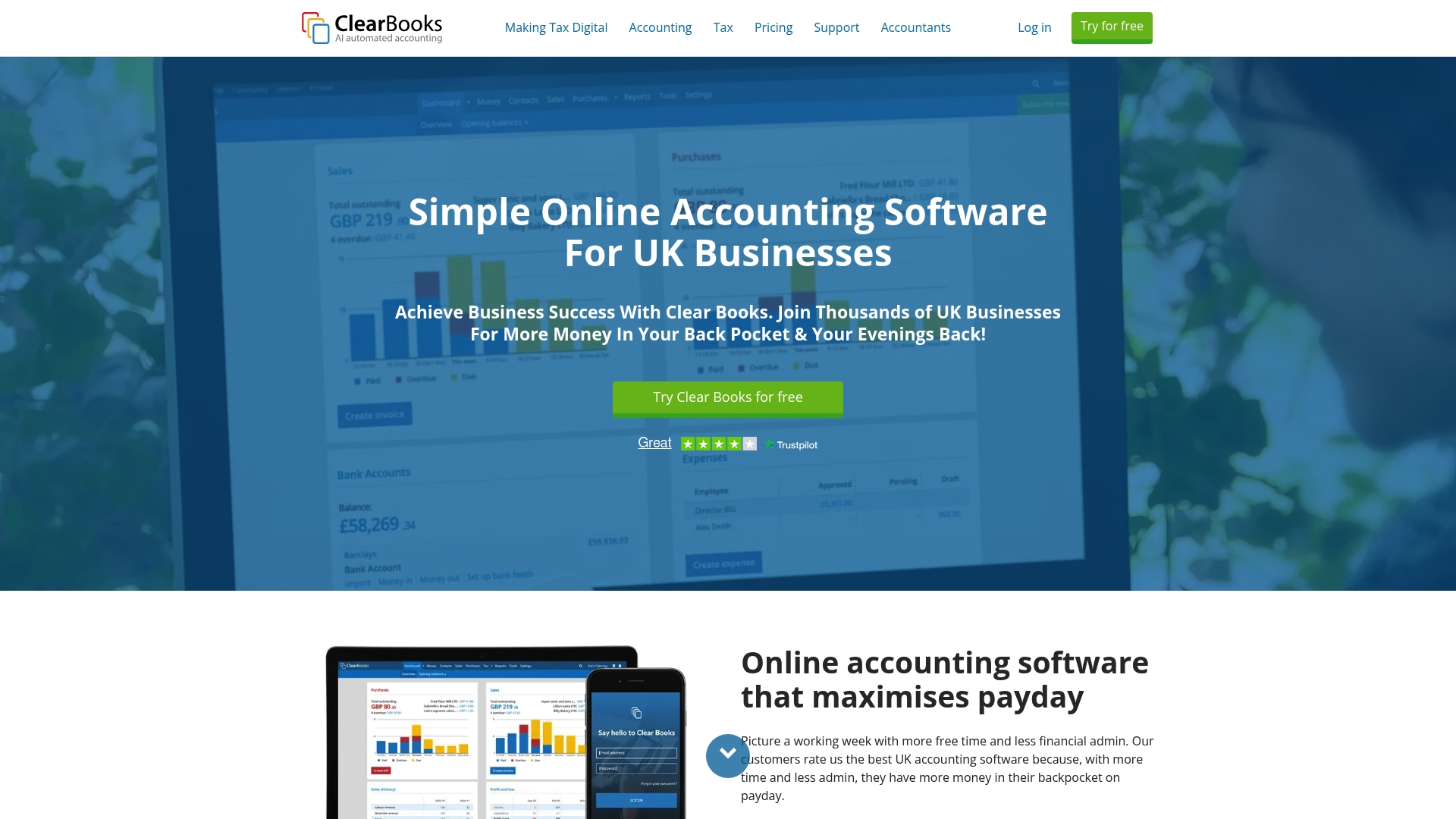
Clear Books is an award winning online accounting platform built for UK small businesses and accountants. It combines invoicing, payroll and HMRC recognised MTD filing in a user friendly package that suits sole traders and landlords who need reliable compliance.
- Bottom line: practical for routine accounting and tax submissions, with useful automation and a clear learning path for non specialists.
Core Features
Clear Books offers invoicing with automated reminders, payroll, CIS support and MTD compliant tax submission, plus AI powered bookkeeping and multi currency accounting. The platform focuses on the daily tasks most small businesses face.
- Key features:
- Invoicing with automated payment reminders
- MTD compliant submissions recognised by HMRC
- AI powered automatic bookkeeping and multi currency support
- Payroll and CIS features with filing capability
Pros
- User friendly interface: The layout and workflows reduce the time you spend on basic bookkeeping tasks, which helps if you handle accounts alone.
- Comprehensive feature set: Invoicing, tax, payroll and CIS are grouped together so you do not need separate tools for common requirements.
- HMRC recognised: Being HMRC recognised means you can submit Making Tax Digital returns directly and meet regulatory obligations.
- Generous trial: A 30 day free trial lets you test features without restriction before committing.
- UK based support: Dedicated UK customer support helps when you need guidance on local rules or filing.
Cons
- Pricing pressure for growth: Costs rise as your needs grow, so pricing could become expensive for larger or more complex businesses.
- Plan complexity: The number of plans and options can feel confusing when you first choose a package, which slows onboarding.
- Not built for enterprise: Feature depth may fall short for very large businesses that need advanced reporting or bespoke integrations.
Who It's For
Clear Books fits small business owners, freelancers, landlords and UK accountants who want a compliant cloud accounting tool. It appeals to people who prioritise HMRC recognised filing and prefer a single platform for invoices payroll and tax.
- Ideal users include sole traders needing VAT and income tax filing, landlords tracking property profitability, and accountants managing multiple client accounts.
Unique Value Proposition
Clear Books stands out for combining core accounting tasks with HMRC recognised MTD compliance in one place. Its mix of payroll, CIS, and AI driven bookkeeping makes it a solid choice when accuracy and regulatory conformity matter more than bells and whistles.
- The platform reduces the number of separate systems you must manage while keeping filings straightforward.
Real World Use Case
A UK freelancer uses Clear Books to send invoices, match bank transactions, and prepare quarterly MTD returns. Automation handles routine categorisation and the freelancer files VAT and income tax with less manual bookkeeping, freeing hours for client work.
- Workflow example: raise invoice, import bank feed, let AI categorise expenses, submit MTD return.
Pricing
Pricing begins with a free option for sole traders and landlords. Paid plans range from £5 to £44 per month depending on features and user needs. A 30 day free trial is available to test the service.
- Note price varies by plan and required features such as payroll or multi currency accounting.
Website: https://www.clearbooks.co.uk
Xero
At a Glance
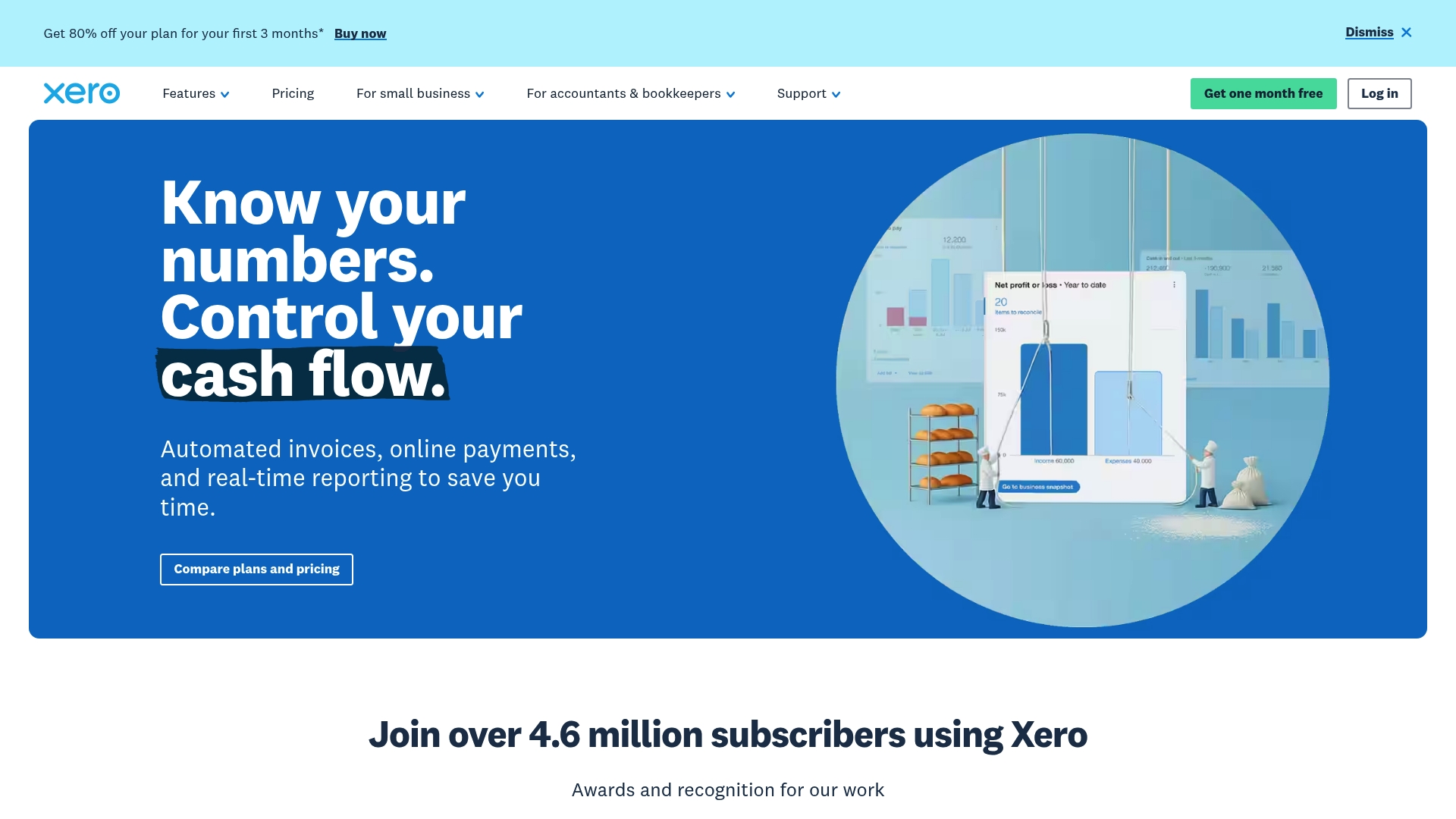
Xero is a cloud based accounting platform aimed at small and medium sized businesses that need invoicing, bank reconciliation and payroll features in one place. It balances an accessible interface with powerful integrations, though advanced tools can push costs higher for busy firms.
Core Features
Xero centralises day to day bookkeeping so you see cash flow and reports in real time. Key capabilities include invoicing and quotes, bill entry and payment, live bank feed connections, and payroll for the US region.
- Invoicing and quotes management for issuing and tracking client bills.
- Accept online payments to reduce days sales outstanding.
- Enter and pay bills to manage supplier schedules.
- Bank feed connections for real time bank transactions and reconciliation.
- Payroll management focused on small businesses and specific sectors.
Pros
- User friendly interface makes routine bookkeeping faster and reduces time spent on basic tasks.
- Comprehensive feature set supports a range of business types from retail to construction and real estate.
- Strong integrations let you connect third party apps to expand reporting, payments and commerce workflows.
- Excellent support and onboarding help assists new users through setup and early months of use.
- Recognition and awards for software quality provide external validation of stability and reliability.
Cons
- Pricing can be higher for advanced features and that adds up as you add integrations and users.
- Some features require add ons or third party integrations which increases total cost and setup work.
- There is a learning curve for new users which means time and possibly training before you get full value.
Who It's For
Xero suits small to medium sized businesses, accountancy professionals and entrepreneurs who want an established cloud accounting system with broad third party support. It works well for sole traders who plan to scale and for landlords needing structured invoicing and bank feeds.
Unique Value Proposition
Xero offers a mature ecosystem with deep app integrations and easy day to day bookkeeping tools. The advantage is a single platform that handles invoicing, bank reconciliation and payroll while letting you plug in specialised apps as your business needs change.
Real World Use Case
A retail business uses Xero to issue invoices, accept online payments and reconcile daily bank feeds. The owner views up to date cash flow reports on demand and reduces manual bank matching, which improves forecasting for stock purchase decisions.
Pricing
Plans are mostly monthly and start at $5, $11 and $18 for Early, Growing and Established plans respectively. New customers in the United States may find promotional offers such as 80% off for the first three months when purchasing their first organisation.
Website: https://xero.com
QuickBooks
At a Glance
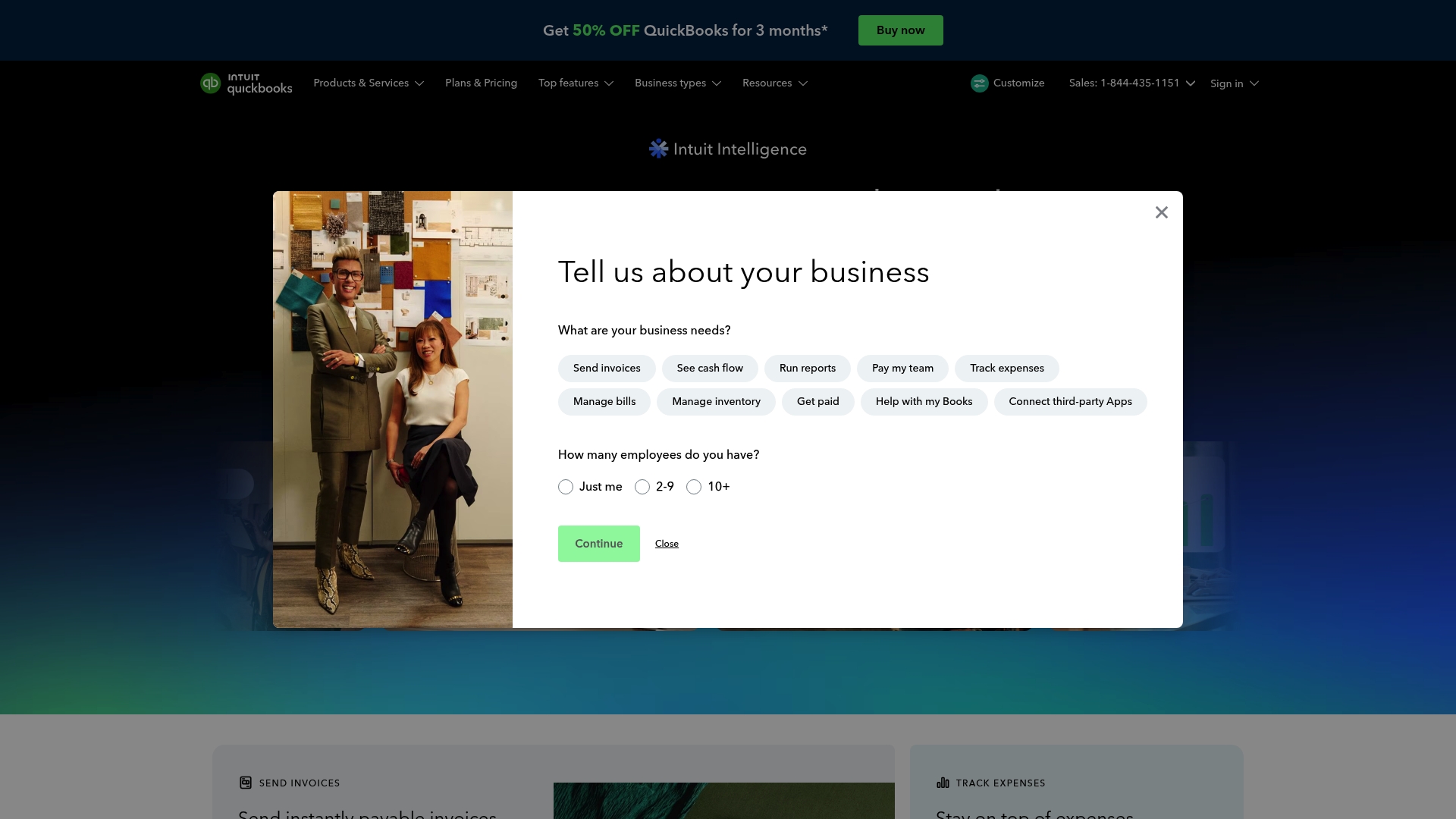
QuickBooks presents a comprehensive accounting platform that blends bookkeeping, payroll, and banking tools with AI powered insights to aid decision making. New users can test the service with a 30 day free trial and a 50% off promotion for the first three months.
Core Features
QuickBooks bundles accounting, payroll, money management and an array of integrated business apps into one package. The product includes over 800 app integrations, time tracking and AI powered insights that surface cash flow signals and planning suggestions.
Pros
- Wide feature coverage: QuickBooks provides bookkeeping, payroll, invoicing and banking tools in a single suite so you can centralise financial tasks.
- Extensive integrations: The platform connects with more than 800 third party apps which helps preserve workflows and reduces manual entry.
- AI driven insights: Built in intelligence delivers automated reports and alerts that help identify cash flow trends and bookkeeping errors.
- Support for teams: Payroll, time tracking and HR support make QuickBooks suitable for businesses with staff to manage.
- Strong support resources: Live expert assistance for the first month and expansive help documentation provide guided onboarding and troubleshooting.
Cons
- Complexity for new users: The breadth of features increases setup time and learning curves for sole traders who only need basic bookkeeping.
- Cost for smaller operators: Starting prices may sit above the budget of many sole traders and very small startups unless they need advanced features.
- Tier gated features: Some capabilities such as advanced reporting and premium automations are confined to higher tier plans which raises overall cost.
Who It's For
QuickBooks suits small to mid size businesses and professional service firms that need integrated accounting, payroll and banking features.
It can work for sole traders or landlords who want unified tools and expert support but those users should weigh the cost against their actual feature needs.
Unique Value Proposition
QuickBooks stands out by combining a full financial toolset with broad third party connectivity and live expert support for new customers. The paired offering of AI powered insights and a deep integration ecosystem positions it as a single place to manage accounts and team payroll.
Real World Use Case
A small retail business uses QuickBooks to manage invoicing, expense tracking, payroll and inventory while relying on AI driven summaries to plan seasonal stock and cash flow. The platform reduces bookkeeping time and centralises financial records for year end submission.
Pricing
Plans start at $19 per month for Simple Start and rise through Essentials, Plus and Advanced up to $275 per month. There is a 30 day free trial and a promotion offering 50% off for three months for new users. Try the free trial to confirm whether the available tier matches your reporting and payroll needs.
Website: https://quickbooks.intuit.com
FreeAgent
At a Glance
FreeAgent is an approachable accounting platform built for small businesses, freelancers, landlords and accountants who need HMRC compliant tools. It balances an easy interface with solid tax features so you can manage invoices, payroll and MTD submissions without constant headaches.
Core Features
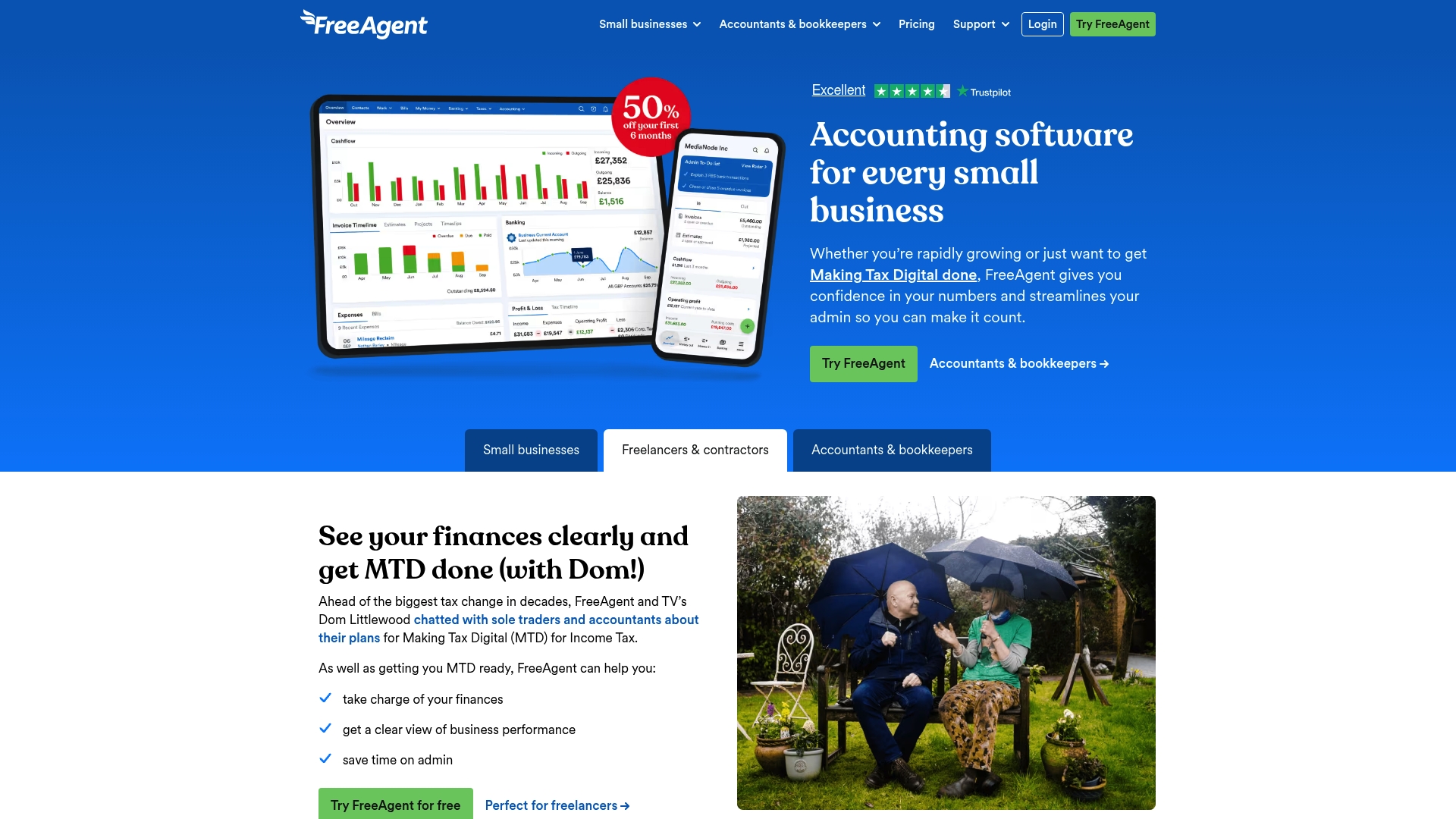
FreeAgent covers invoicing, payroll, taxes and direct submissions for Making Tax Digital, with automated bank feeds and reconciliation to reduce manual entry. The platform includes real-time cashflow forecasting that helps you see upcoming shortfalls and payments at a glance.
FreeAgent also offers an AI powered Smart Capture receipt tool for quick expense entry, project time tracking, and integrations with common banking services so transactions import automatically and stay organised.
Pros
-
User friendly interface: The dashboard is clean and the mobile app lets you update invoices and expenses when you are away from the desk.
-
Comprehensive feature set: Invoicing, payroll, tax compliance and cashflow tools are available under one roof so you do not stitch multiple systems together.
-
Strong UK based support: Award winning support teams in the United Kingdom provide practical help with HMRC processes and platform questions.
-
Flexible pricing options: Free plans for eligible bank account holders and tiered paid plans make it easier to pick a plan that matches your stage of growth.
-
HMRC integration: Direct links to HMRC for Making Tax Digital submissions reduce form filling and the risk of missed deadlines.
Cons
-
Pricing complexity may surprise newcomers because optional add ons and features can increase the total monthly cost beyond the base plan.
-
International features are limited so businesses with operations outside the United Kingdom or the United States will find fewer localisation options.
-
Advanced features present a learning curve for new users who prefer to get going without exploring settings and workflows.
Who It's For
FreeAgent suits UK sole traders, contractors, small business owners and landlords who want HMRC compatible accounts with minimal fuss. Accountants and bookkeepers who manage multiple small clients will appreciate client management features and compliant submission workflows.
Unique Value Proposition
FreeAgent sells simplicity combined with tax compliance and UK support. The platform reduces time spent on VAT and MTD filings while keeping bookkeeping accessible for non specialists, which makes professional level compliance practical for micro businesses.
Real World Use Case
A small company uses FreeAgent to issue client invoices each week, run payroll every month and submit quarterly MTD VAT returns to HMRC. The business saves hours on reconciliation and gains accurate cashflow projections to plan supplier payments.
Pricing
Free for eligible bank account holders; paid plans start from £16.50 per month on an introductory monthly plan or £165 per year with discounts. Optional add ons such as payroll or additional features can add to the monthly bill.
Website: https://freeagent.com
Sage Intacct

At a Glance
Sage Intacct is a finance platform built around AI powered automation and continuous accounting for high performance finance teams. It suits organisations that need automated reporting, adaptable billing and clearer, real time financial visibility.
The bottom line is clear. Sage Intacct targets medium to large businesses that require scalable financial control and advanced reporting.
Core Features
Sage Intacct centres on automation, visibility and billing flexibility to support growth and profitability.
- AI powered automation for finance tasks that reduces repetitive data entry and speeds up reporting.
- Real time financial insights that present up to date metrics for faster decision making.
- Support for multiple billing models and SaaS reports to handle complex revenue recognition and subscription billing.
- Integration with other business applications so your accounts speak to CRM and billing systems.
- Customisable and scalable capabilities for different industries and business sizes.
Takeaway: These features aim to free finance teams from manual work and improve forecasting accuracy.
Pros
- Automates up to 90% of data entry and reporting tasks which dramatically reduces manual bookkeeping time and human error.
- Provides real time insights for better decision making so managers see current cash positions and revenue trends without waiting for month end.
- Supports diverse billing and financial management needs which helps SaaS and subscription businesses handle complex invoicing and recognition.
- Enhances productivity and accuracy with AI and automation which leads to faster close cycles and fewer reconciliation issues.
- Tailored solutions for various industries and sizes which allow teams to adapt the platform to their reporting frameworks.
Cons
- May require initial training and setup which means an upfront time investment from your finance team.
- Cost could be a consideration for smaller businesses as pricing is arranged by quote rather than a simple per month plan.
- Advanced features might necessitate dedicated support and configuration which can add implementation overhead for non specialist teams.
Who It's For
Sage Intacct is designed for medium to large businesses and high growth SaaS companies that need scalable financial management. Finance teams that prioritise automation, accurate revenue recognition and faster forecasting will gain most value.
Unique Value Proposition
Sage Intacct combines continuous accounting with AI to automate routine finance work and deliver live financial insights. Its strength lies in managing complex billing and providing tailored reporting that supports expansion and investor grade reporting.
Real World Use Case
Springbuk uses Sage Intacct to increase margins, reduce churn and grow cash by automating financial processes and forecasting with confidence. That example shows how automation links to tighter margins and clearer cash planning.
Pricing
Pricing details are not specified on the website; interested parties should contact Sage for a quote and implementation guidance.
Website: https://sage.com/en-us/sage-business-cloud/intacct/
FreshBooks
At a Glance
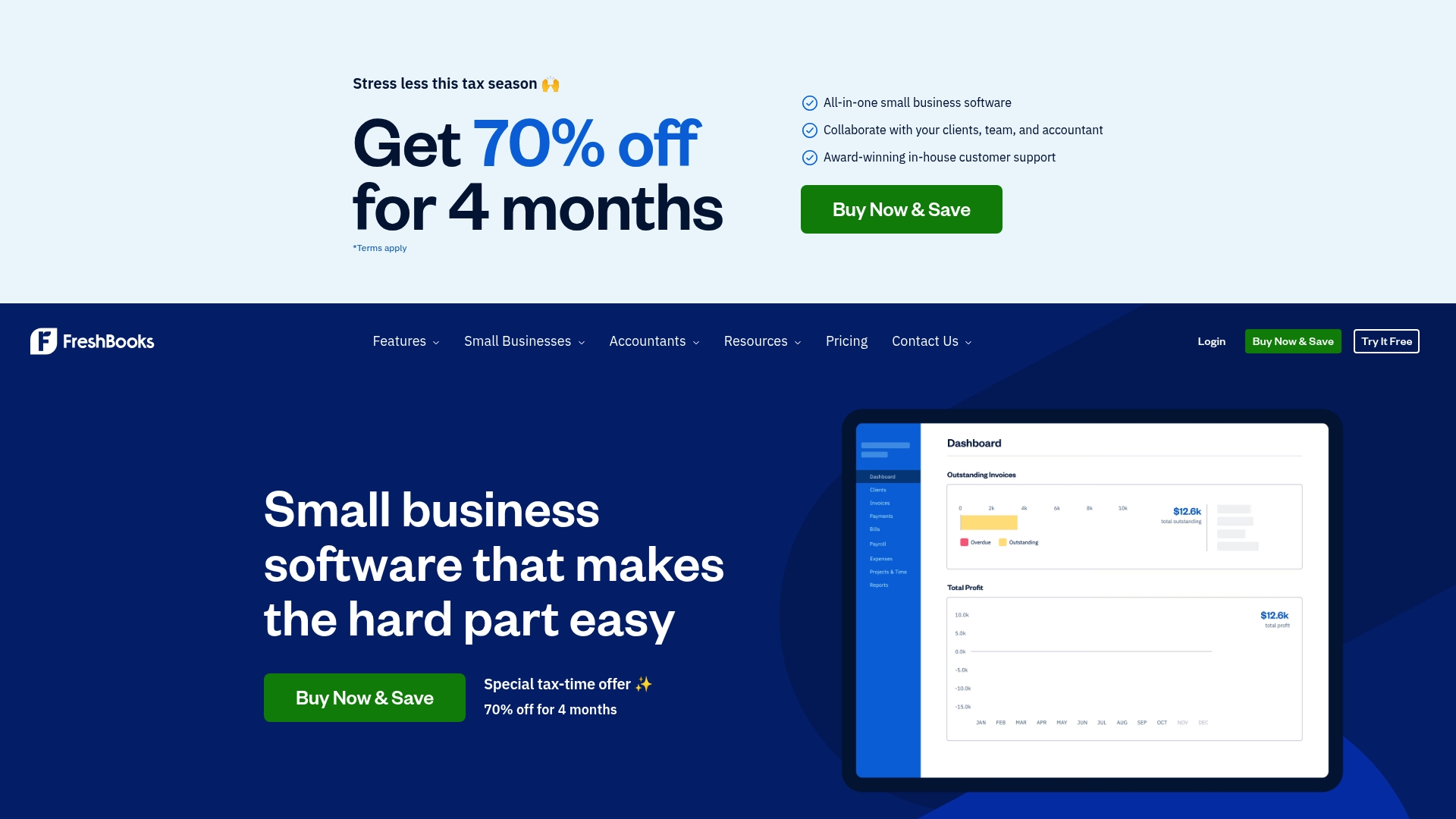
FreshBooks is an all in one small business software that simplifies invoicing, expense tracking and payments for freelancers and small firms. It pairs robust bookkeeping tools with award winning customer support to ease tax time and day to day finance work.
Core Features
FreshBooks centres on professional invoicing, mobile receipt scanning, and secure online payments to help you get paid faster. The platform also offers expense tracking, payroll management, time and mileage tools, and reporting to support tax preparation and cash flow visibility.
- Create invoices quickly with auto tracked time and expenses.
- Import bank transactions and scan receipts from your phone.
- Use payroll and tax calculations for teams where required.
Pros
- Streamlined invoicing and billing process: FreshBooks makes creating and customising invoices fast so you can send bills the same day you finish work.
- Automated payment and reminder features: Automated reminders and online payment acceptance reduce late payments and cut follow up time for sole traders and landlords.
- Mobile app for on the go expense management: The app lets you photograph receipts and log expenses immediately which reduces paperwork come tax return time.
- Comprehensive feature set: The platform covers invoicing, expenses, payroll and reporting so you do not need multiple separate tools.
- Award winning customer support: Live support helps resolve issues when you need assistance with accounts or submission questions.
Cons
- Pricing may be high for very small sole traders: Starter plans are affordable but add ons and team seats increase the monthly cost for low turnover operations.
- Interface can feel complex: The breadth of features occasionally overwhelms users who only need basic invoicing and expense tracking.
- Occasional support delays reported: While support is strong overall some users report slower response times at peak periods.
Who It's For
FreshBooks suits small business owners, freelancers and accountants who want a single platform for invoicing, expenses and payroll. It fits sole traders who invoice regularly and landlords or small firms that need clearer reporting and client collaboration.
Unique Value Proposition
FreshBooks stands out by combining easy invoicing with integrated expense capture and client collaboration. The mix of mobile tools and detailed reports makes it useful for individuals who need reliable records for quarterly submissions and tax preparation.
Real World Use Case
A freelance graphic designer uses FreshBooks to send branded invoices, track project hours with automatic time capture, photograph receipts while onsite and accept card payments online. This reduces manual admin and delivers clearer figures for annual tax returns.
Pricing
Plans start at $6.90 per month for Lite with Plus at $12.90 per month and Premium at $21.00 per month. Expect additional charges for add ons and extra team members which affect monthly totals for growing firms.
Website: https://freshbooks.com
Zoho
At a Glance
Zoho is a broad unified cloud platform that bundles CRM, finance, HR, collaboration and developer tools under one roof. It suits businesses that want a single vendor for most needs while keeping a focus on data privacy and long term sustainability.
Short takeaway: try Zoho if you want many integrated apps without cobbling together separate vendors.
Core Features
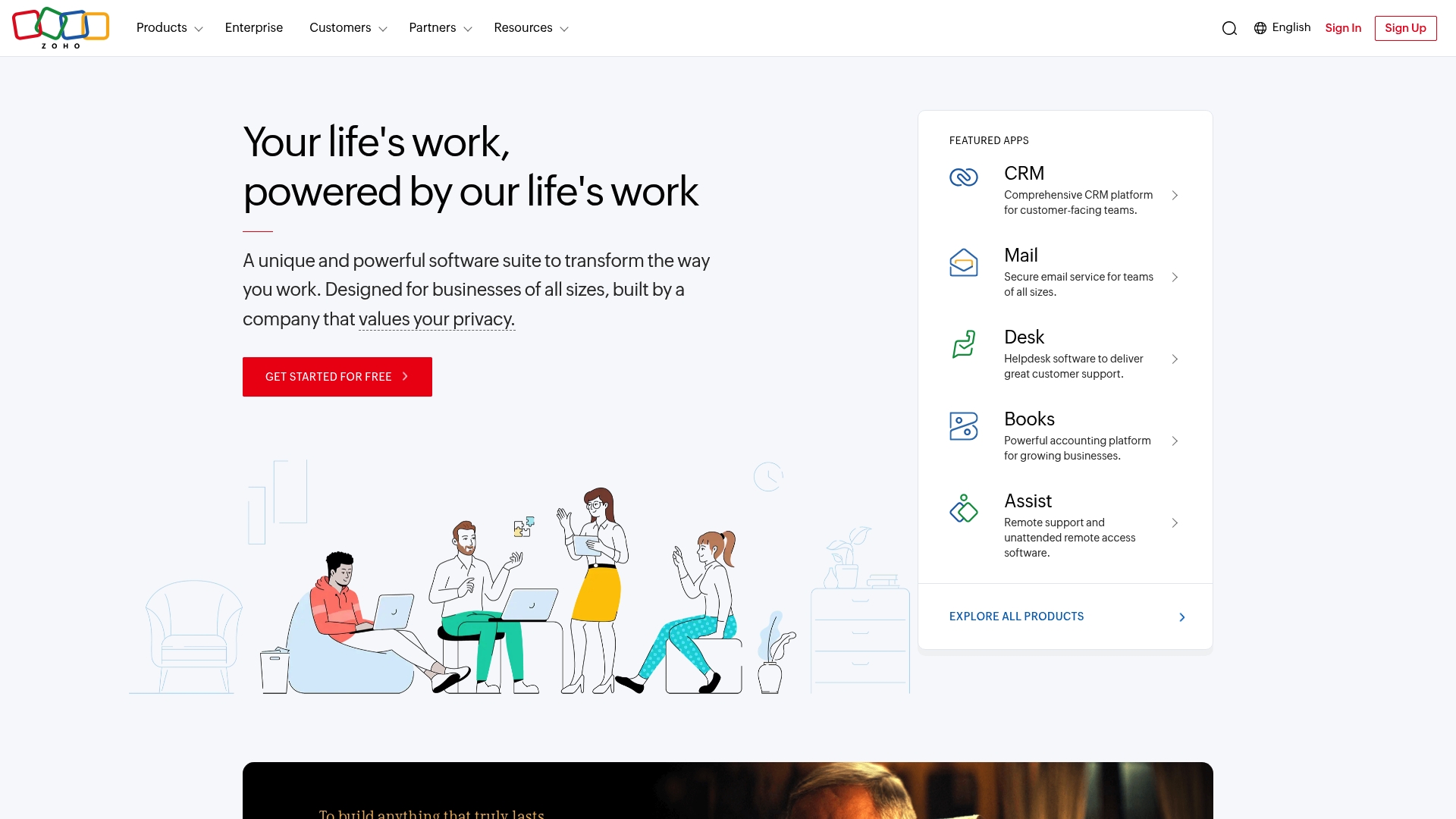
Zoho provides a comprehensive suite covering CRM, email, Books, Desk, HR and analytics, plus over 2000 extensions and integrations. The platform includes the AI assistant Zia and enterprise grade security commitments, letting organisations centralise operations and automate routine tasks.
Short takeaway: use the ecosystem to reduce double entry and centralise records.
Pros
- Extensive product range: Zoho covers most business functions so you rarely need an additional vendor, which reduces administration overhead.
- Strong privacy and security: The platform emphasises data protection and policies that appeal to organisations with compliance needs.
- Customisable and scalable: Businesses can tailor modules and scale up without rebuilding processes, keeping costs predictable.
- Rich ecosystem: Thousands of extensions mean you can connect to specialist tools or add industry specific features quickly.
- Cost effective: Choosing Zoho often costs less than developing bespoke systems or subscribing to many single purpose apps.
Short takeaway: these strengths make Zoho attractive for businesses that value breadth and control.
Cons
- The sheer volume of products can overwhelm new users and make initial setup slow.
- Complex integrations present a steep learning curve for teams without dedicated IT resource.
- Some individual apps vary in maturity, so functionality can differ across the suite.
Short takeaway: plan onboarding time and assign a champion to manage configuration.
Who It's For
Zoho suits businesses of all sizes that want a single, integrated cloud solution and that are willing to invest time in setup. It fits organisations seeking CRM, accounting, helpdesk and collaboration tools under one vendor rather than dozens of point solutions.
Short takeaway: ideal for small firms growing into midsize operations that need integration and control.
Unique Value Proposition
Zoho’s main advantage is the sheer breadth of interoperable applications combined with a consistent security posture. The ability to add hundreds of extensions and use Zia across apps gives businesses an integrated automation path without heavy custom development.
Short takeaway: pick Zoho when consolidation matters more than best in class single apps.
Real World Use Case
A midsize company might deploy Zoho CRM, Mail, Books and Desk to centralise customer records, invoices and support tickets. That setup reduces licence fragmentation, speeds up reporting and lowers overall software spend.
Short takeaway: ideal for organisations replacing scattered tools with a single platform.
Pricing
Zoho offers free tiers for some products and paid plans that vary by feature, user count and scale. Specific pricing for each app is available on its product page, so compare the modules you need before committing.
Website: https://zoho.com
Accounting and Business Tools Comparison
This table compares the key features, benefits, pricing, and suitability of various accounting and business tools designed for professionals and small to medium-sized businesses.
| Tool | Features | Pros | Cons | Pricing |
|---|---|---|---|---|
| VoxaMTD | Free quarterly HMRC submissions, AI categorization, Open banking | No cost for MTD compliance, Highly accurate AI categorization | Paid tiers for human reviews | Free; Paid tiers from £15/month |
| Clear Books | Invoicing, Payroll, MTD filing, Multi-currency support | User-friendly interface, Comprehensive feature set | Expensive for larger businesses, Plan complexity | Free trial; Plans from £5/month |
| Xero | Invoicing, Bank reconciliation, Payroll | Strong integrations, Comprehensive features | Higher prices for advanced features, Learning curve for new users | Plans from $5/month |
| QuickBooks | Bookkeeping, Payroll, AI insights | Wide features, Extensive integrations | Complexity for small users, Higher starting costs | Plans from $19/month |
| FreeAgent | Invoicing, Payroll, HMRC filing, Real-time cashflow forecasting | User-friendly interface, HMRC integration | Limited international features, Advanced features have a learning curve | Free for eligible; Paid plans from £16.50/month |
| Sage Intacct | AI automation, Real-time insights, Multi-billing models | Automates finance tasks, Supports complex revenue recognition | Requires training and setup, Quote-based pricing | Contact Sage for pricing |
| FreshBooks | Invoicing, Expense tracking, Mobile app | Award-winning support, Easy invoicing | High pricing for small users, Overwhelming interface | Plans from $6.90/month |
| Zoho | CRM, Books, Desk, HR, Collaboration tools | Extensive product range, Strong security | Product variety can overwhelm, Complex integrations | Free tiers; Paid plans available |
Discover a Smarter Way to Manage Your Tax Submissions and Invoicing
If you found yourself exploring alternatives to Clear Books because of pricing complexity or limited automation, VoxaMTD offers a fresh, cost-free core solution tailored for UK sole traders and landlords facing the Making Tax Digital mandate in 2026. Unlike some platforms that burden you with complicated plans, VoxaMTD streamlines quarterly HMRC filings with automated bank feeds, highly accurate AI categorisation, and even an innovative voice AI accountant ready 24/7.
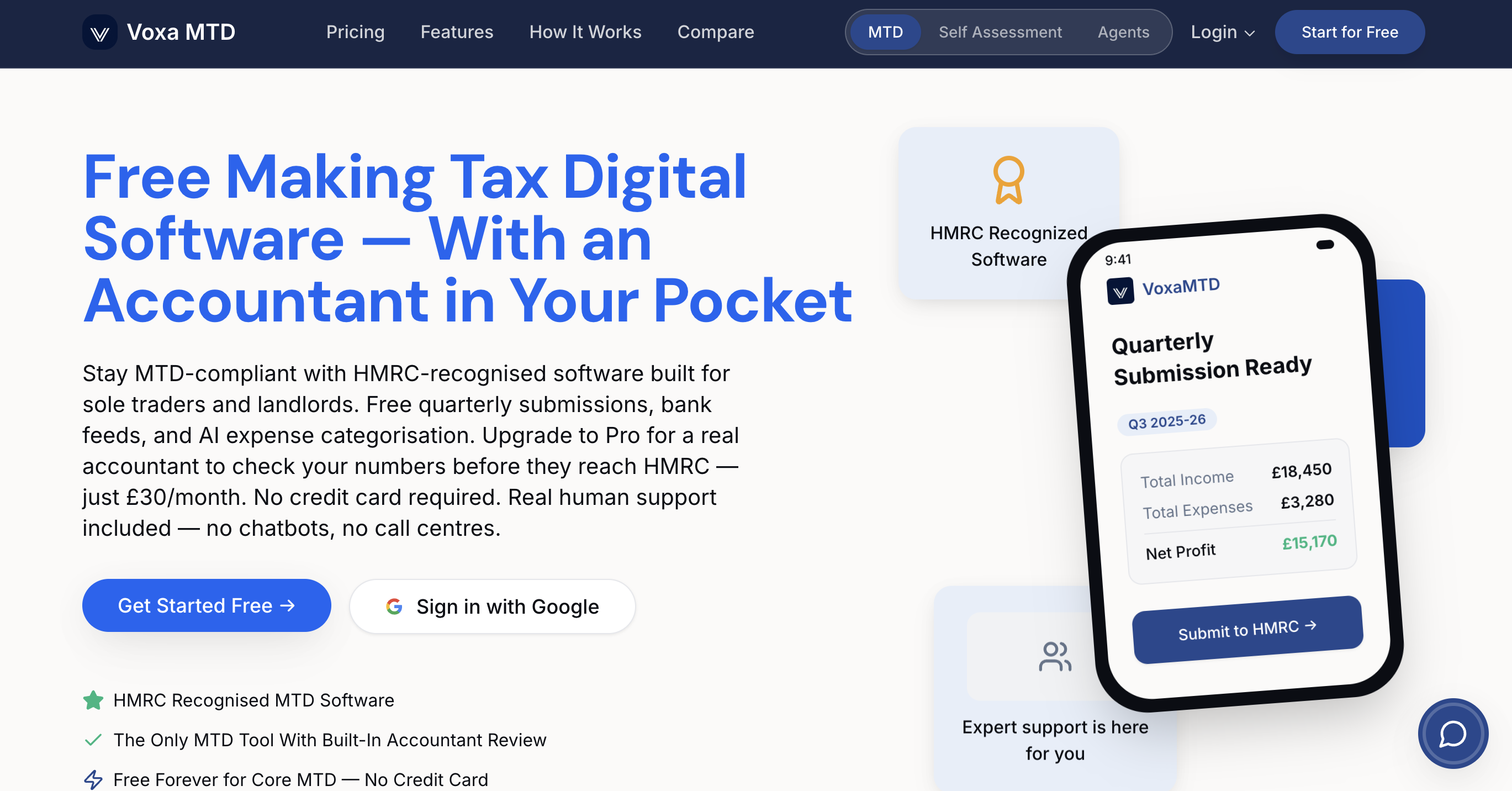
Experience the ease of comprehensive tax management designed specifically for your needs. Take control today by visiting VoxaMTD to explore how you can save time and reduce errors with a platform that grows with your business. Don’t wait until the April 2026 MTD deadline threatens your peace of mind—start your free journey now.
Frequently Asked Questions
What are some key features to look for in alternatives to clearbooks.co.uk?
Look for features such as automated invoicing, tax compliance, and expense tracking. Evaluate platforms based on how well they help streamline bookkeeping tasks and integrate with your existing bank accounts.
How can I determine which alternative best suits my small business needs?
Assess your requirements, including the volume of invoices, tax obligations, and additional features like payroll. Create a list of must-have features and compare alternatives based on these criteria to make an informed choice.
Are there free options among the alternatives to clearbooks.co.uk?
Yes, some alternatives offer free versions or trials. Explore these options to test functionality and see if they meet your needs without any initial investment.
How do the pricing plans vary across different accounting platforms?
Pricing can range from free for basic functionality to monthly fees depending on features and user numbers. Examine each platform's plans and select one that aligns with your budget and feature requirements.
What types of customer support should I expect from accounting software alternatives?
Look for alternatives that offer robust customer support options, such as live chat, email assistance, and comprehensive documentation. Quality support can significantly enhance your user experience and help address any issues quickly.