

Missing a digital tax deadline as a landlord is no longer just an admin inconvenience. Under HMRC's Making Tax Digital (MTD) initiative, missing digital tax deadlines can trigger a points-based penalty system that escalates quickly. The shift from paper self-assessment to fully digital quarterly submissions is now a legal requirement for many landlords, and the April 2026 start date has already arrived. This guide walks you through exactly what digital submission means, whether you need to comply, and how to get it right without the stress.
Table of Contents
- What is landlord tax digital submission and who must comply?
- What you need before you start: prerequisites and setup
- Step-by-step: how to submit landlord tax digitally under MTD
- Penalties, exemptions and common mistakes
- What to expect after submission: monitoring, support and ongoing requirements
- Get support with free MTD software for landlords
- Frequently asked questions
Key Takeaways
| Point | Details |
|---|---|
| Check your income threshold | Landlords with over £50,000 property income in 2026 must submit tax digitally under MTD. |
| Prepare digital records early | Gather digital records, HMRC login, and certified software ahead of deadlines to avoid stress. |
| Quarterly updates required | You must send four quarterly updates and a final declaration via approved MTD software. |
| Penalties apply for late compliance | Late or missed submissions mean penalty points and possible fines, so stay up to date. |
| Support and software are available | Free and commercial MTD software options can make submission hassle-free, with expert support if needed. |
What is landlord tax digital submission and who must comply?
Making Tax Digital for Income Tax (MTD for ITSA) is HMRC's programme to replace the annual self-assessment tax return with quarterly digital updates submitted through HMRC-recognised software. Instead of filing once a year, you send four quarterly summaries of your rental income and expenses, followed by a final declaration that confirms your annual figures. It is a fundamental change to what tax digitisation means for property owners.
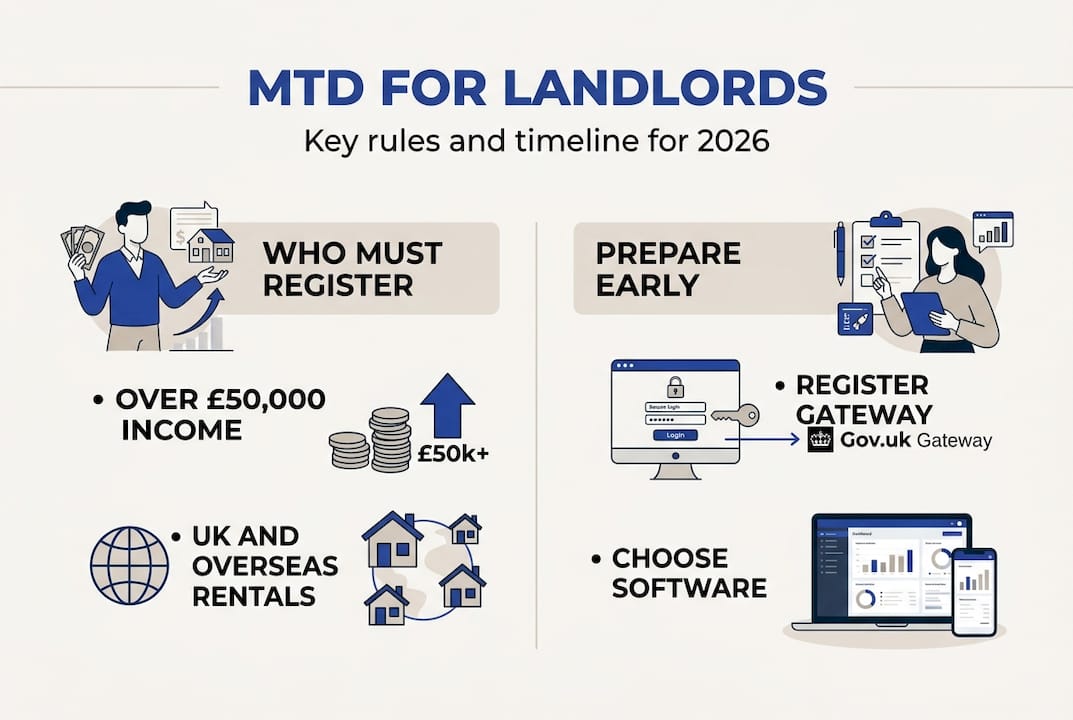
The rules are phased by income threshold. MTD applies to landlords with gross property income over £50,000 from April 2026, dropping to £30,000 in April 2027 and £20,000 in April 2028. Gross income means your total rental receipts before any expenses are deducted. If you own property jointly, your share of the income counts towards your threshold.
Overseas rental income and furnished holiday lettings are also included in the calculation. HMRC's rationale is straightforward: quarterly digital data gives them real-time visibility of tax liabilities, reduces end-of-year errors, and closes the tax gap. For landlords, the upside is that you spread your record-keeping across the year rather than scrambling every January.
| Income threshold | Mandatory from | Landlords affected |
|---|---|---|
| Over £50,000 | April 2026 | Approx. 700,000 |
| Over £30,000 | April 2027 | Additional 300,000+ |
| Over £20,000 | April 2028 | Further expansion |
| Under £20,000 | TBC | Voluntary only |
For a deeper look at MTD for landlords explained, including how joint ownership and mixed income sources are treated, the VoxaMTD landlord hub covers the detail clearly.
What you need before you start: prerequisites and setup
Knowing you must comply is one thing. Being ready to submit is another. Landlords require HMRC-recognised software and a Government Gateway account linked to their Unique Taxpayer Reference (UTR) before they can make a single digital submission. Without both, you simply cannot file.
Here is what you need to have in place:
- Government Gateway account linked to your UTR and National Insurance number
- MTD-compatible software from HMRC's approved list (free and paid options exist)
- Digital records of all rental income and allowable expenses, organised by property
- Bank statements or transaction data covering the relevant quarter
- Reliable internet access for submission and confirmation
The preparation gap is striking. Despite 80% of landlords feeling prepared, only around 5 to 6% had actually registered on the MTD pilot as of early 2026. Feeling ready and being registered are very different things.
| Preparation item | Typical cost | Common pitfall |
|---|---|---|
| Government Gateway account | Free | Wrong UTR linked |
| MTD-compatible software | Free to £30/month | Using non-approved tools |
| Digital income records | Time only | Mixing personal and rental transactions |
| Expense receipts (digital) | Free with scanner app | Paper receipts not digitised |
| Bank feed connection | Free with some software | Manual entry errors |
For practical guidance on setting up your records correctly, the digital bookkeeping tips on the VoxaMTD blog are a useful starting point. If you are unsure about any of the terminology, MTD terminology explained covers the key phrases in plain English.
Choosing the right software matters more than most landlords realise. Some tools offer bank feed integration that pulls transactions automatically, which eliminates the most error-prone part of the process. Others require manual data entry, which is slower and riskier. Review the MTD preparation guide from Tax Rebate Services for a broader comparison of available options.

Pro Tip: Sign up for the MTD pilot now rather than waiting until the mandatory start date. Early registration lets you test the process with real submissions before penalties apply, and it gives you time to fix any software or account issues without pressure.
Step-by-step: how to submit landlord tax digitally under MTD
The full digital submission process has five distinct stages. Work through each one in order and you will avoid the most common errors.
-
Set up your MTD software account. Log in to your chosen MTD-compatible platform and connect it to your Government Gateway credentials. Authorise the software to communicate with HMRC on your behalf. This is a one-time step.
-
Enter or import your digital records. Add all rental income and allowable expenses for the quarter. If your software supports bank feed integration, import transactions directly to reduce manual entry. Categorise each item correctly, for example repairs versus capital improvements.
-
Review your quarterly summary. Check the totals for income and expenses before submitting. Look for obvious errors such as duplicate entries or missing rent receipts. Your software should flag any categories that look unusual.
-
Submit your quarterly update to HMRC. Send the summary through your software. Four quarterly updates are required each year, each with a firm deadline. The quarterly deadlines are: Q1 (6 April to 5 July, due 7 August), Q2 (6 July to 5 October, due 7 November), Q3 (6 October to 5 January, due 7 February), and Q4 (6 January to 5 April, due 7 May).
-
Submit your end-of-period statement and final declaration. After Q4, you confirm your annual figures, add any adjustments such as the Section 24 mortgage interest restriction, and submit your final declaration. This replaces the old self-assessment return.
Each quarterly update is submitted per income source. If you have a UK property business and an overseas property business, these are treated as separate sources and may require separate submissions. Check your software's guidance on how it handles multiple property sources.
For tips on making this process faster each quarter, the streamlined MTD submissions guide covers automation and batch entry techniques. You can also bookmark the MTD tax deadline reminders page to keep all key dates in one place.
Pro Tip: Connect a bank feed or use open banking integration from day one. Automatic transaction imports mean your quarterly records are largely complete before you even open the software to review them. It turns a two-hour task into a fifteen-minute check.
Penalties, exemptions and common mistakes
Understanding the risks is just as important as knowing the process. MTD late submissions trigger a points-based penalty system: each missed quarterly deadline earns one point, and four points results in a minimum £200 fine. The good news is that 2026 to 2027 is a soft landing year, meaning HMRC will not issue penalty points for late quarterly updates during this first year. However, the soft landing does not apply to late final declarations.
The most common mistakes landlords make include:
- Using non-approved software that cannot connect to HMRC's API
- Missing quarterly deadlines because they treat MTD like the old annual return
- Not updating contact details with HMRC, which can result in fines up to £1,000
- Misunderstanding joint property rules and omitting a share of income
- Confusing quarterly updates with payment deadlines (submissions do not trigger payment)
Quarterly summary submissions do not constitute payment. Your payment deadlines under self-assessment remain unchanged. Submitting on time does not mean you have paid your tax bill.
Exemptions from MTD are rare. Exemptions require case-by-case applications with supporting evidence. Qualifying reasons include age-related digital exclusion, disability, religious grounds, or insolvency. Low IT confidence or finding the process inconvenient does not qualify. If you believe you have grounds, apply to HMRC directly and keep records of your application.
The awareness gap is a real risk. The fact that only 5 to 6% of affected landlords registered on the pilot despite 80% feeling prepared suggests many people overestimate how ready they actually are. Feeling informed is not the same as being set up and tested. Use the MTD penalties and deadlines guide to check your specific situation, and review the using digital bookkeeping software article if you are still relying on spreadsheets.
What to expect after submission: monitoring, support and ongoing requirements
Once you submit a quarterly update, your software should display a confirmation receipt with a submission reference number. Save this. It is your proof of compliance if HMRC ever queries a filing date. Most MTD platforms also send an email confirmation, but the in-software reference is the authoritative record.
Note that quarterly submissions do not trigger payment. Your payment on account dates and balancing payment deadline remain exactly as they were under self-assessment. Do not confuse a successful submission with having settled your tax bill.
Ongoing compliance involves more than just hitting send four times a year. Here is what to monitor:
- Threshold changes: If your income drops below the relevant threshold, you may be able to opt out. If it rises, you must comply from the following tax year.
- Software updates: HMRC occasionally updates its API requirements. Ensure your software provider is keeping pace.
- Rule changes: MTD legislation is still evolving. Check HMRC guidance annually for updates to what counts as income or allowable expenses.
- Agent authorisation: If you use an accountant, confirm they are authorised to submit on your behalf each tax year.
For ongoing help with the process, the streamlining quarterly reporting guide is worth revisiting each quarter. The landlord MTD support resource from The Independent Landlord also covers practical scenarios that arise after the first submission cycle. If you want dedicated software support, the MTD software support page at VoxaMTD outlines what is available for landlords specifically.
Get support with free MTD software for landlords
If working through quarterly submissions, deadline tracking, and digital record-keeping sounds like a lot to manage alone, you are not the only landlord thinking that. VoxaMTD was built precisely for this situation.
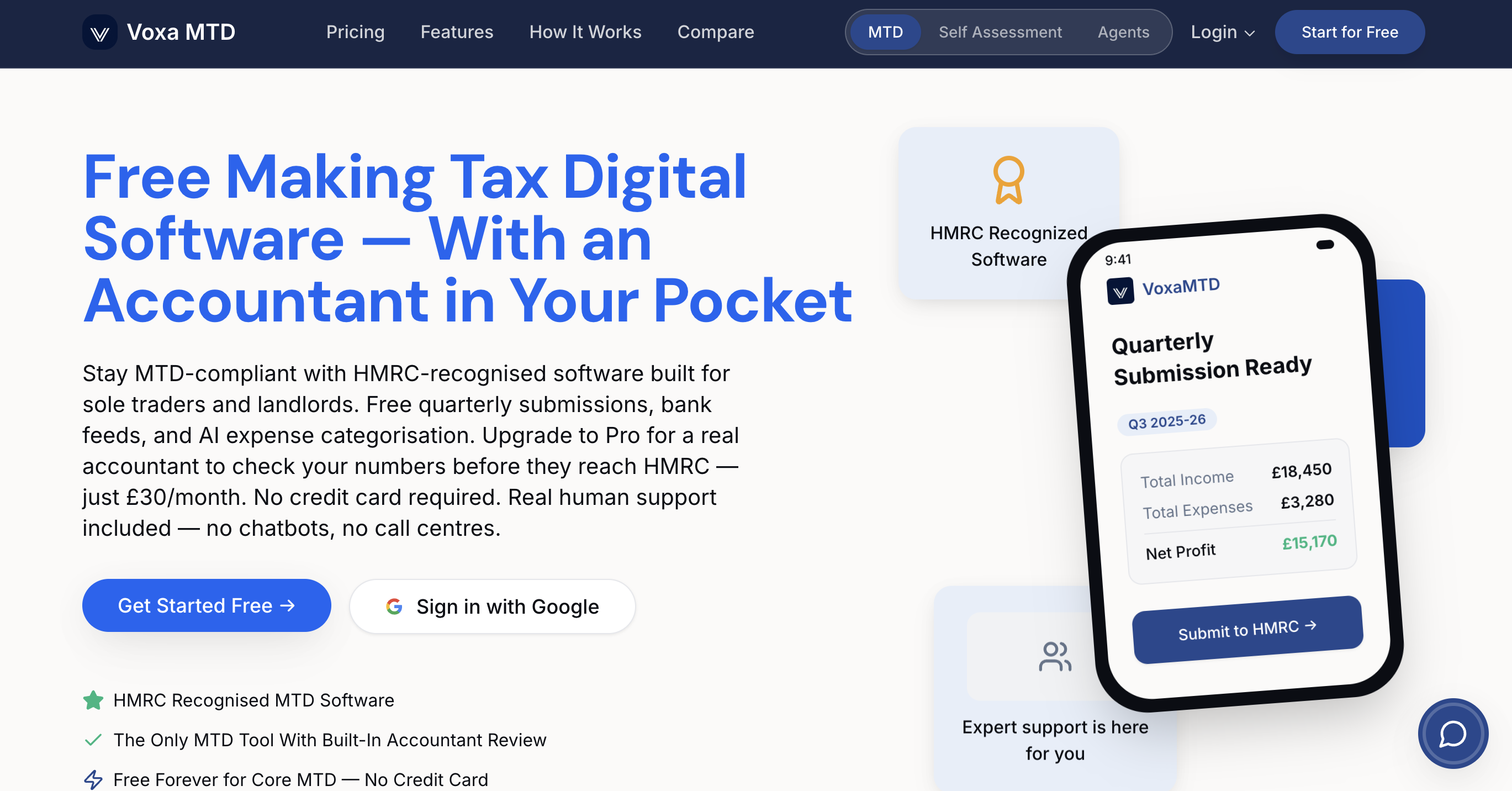
Get started with free MTD landlord software that connects directly to HMRC via the production API, imports your bank transactions automatically through open banking, and categorises your expenses using AI. The landlord dashboard includes a Section 24 mortgage interest calculator, capital allowances tracking, and deadline reminders so nothing slips through. Alex, the AI accountant, is available 24/7 to answer your tax questions by voice. If you want a real human accountant to review your quarterly figures, the Professional tier at £30 per month gives you exactly that. Visit the VoxaMTD platform to create your free account and start submitting with confidence.
Frequently asked questions
Do I need to submit landlord taxes digitally if my rental income is under £50,000?
Not yet, but the MTD threshold drops to £30,000 in April 2027 and £20,000 in April 2028, so check your gross rental income each year.
What happens if I miss a digital quarterly submission?
You receive one penalty point per missed deadline; four points triggers a £200 fine, though quarterly submissions in 2026 to 2027 carry no points under the soft landing rules.
Can my accountant submit digital tax returns on my behalf?
Yes, accountants can submit via their own agent software once authorised, but you remain legally responsible for the accuracy and timeliness of your filings.
Are spreadsheets allowed for digital landlord tax submissions?
Bridging software can connect a spreadsheet to HMRC's systems, but HMRC's MTD guidance notes this approach has limitations and is more prone to error than purpose-built MTD software.
Can I get an exemption from digital submission if I am not confident using computers?
Only if you can demonstrate digital exclusion grounds such as age, disability, religious beliefs, or insolvency. Low IT confidence or finding the process inconvenient does not meet HMRC's exemption criteria.