

TL;DR:
- UK self assessment requires individuals with untaxed income over £1,000 to report and pay taxes annually.
- From 2026, Making Tax Digital mandates quarterly digital tax updates for those earning over £50,000.
- Accurate record-keeping and timely filing are crucial to avoid penalties and ensure compliance.
If you run a business or rent out property in the UK, tax is not automatically deducted from your income the way it is for employees on PAYE. Instead, you are responsible for calculating and declaring what you owe to HMRC through a process called self assessment. For sole traders and landlords, this is not optional. Get it wrong or miss a deadline, and the penalties start immediately. This guide explains what self assessment tax is, who must file, how the process works, and what the arrival of Making Tax Digital means for your compliance obligations from April 2026 onwards.
Table of Contents
- Understanding self assessment tax in the UK
- Step-by-step: how to register and file a self assessment tax return
- Essential rules for sole traders and landlords
- Making Tax Digital and what's changing in 2026
- Our take: avoiding common self assessment pitfalls in a digital era
- Make self assessment stress-free with VoxaMTD solutions
- Frequently asked questions
Key Takeaways
| Point | Details |
|---|---|
| Self assessment explained | Self assessment is how UK sole traders and landlords declare and pay untaxed income each year. |
| Deadlines matter | Strict HMRC deadlines and penalties make timely filing and payment essential. |
| MTD is coming | Making Tax Digital requires many to switch to digital records and quarterly updates starting April 2026. |
| Know your deductions | Only claim allowable expenses; dual-use or capital costs must be treated with care. |
Understanding self assessment tax in the UK
Self assessment is HMRC's system for reporting untaxed income such as self-employment earnings or rental income exceeding £1,000 per tax year, calculating your own Income Tax and National Insurance, and paying any amount owed via an annual tax return.
Under PAYE, your employer deducts tax before you ever see your wages. Self assessment flips that entirely. You receive the income first, then you report it, calculate the liability, and pay it. HMRC trusts you to do this accurately. That trust comes with legal responsibility.
The main form is the SA100. Depending on your income type, you attach supplementary pages:
- SA103S or SA103F for self-employment income (short or full version)
- SA105 for UK property income
- Additional pages for dividends, capital gains, or foreign income if relevant
Who must file? The list is broader than most people realise:
- Sole traders earning more than £1,000 from self-employment
- Landlords with rental income above £1,000
- Individuals with untaxed income from dividends, savings interest, or overseas earnings
- Partners in a business partnership
- Anyone with income over £100,000, regardless of employment status
Common myth: "I only do a bit of freelance work on the side, so I probably don't need to bother." If your self-employment income exceeds £1,000 in a tax year, you are legally required to register and file. The £1,000 trading allowance does not exempt you from registering. It simply means you can deduct that flat amount instead of itemising expenses.
It is worth reading a sole trader income tax checklist before you begin, so you know exactly what records and figures you need to pull together.
Step-by-step: how to register and file a self assessment tax return
The process can feel overwhelming the first time, but it follows a logical sequence. Here is how it works from start to finish.
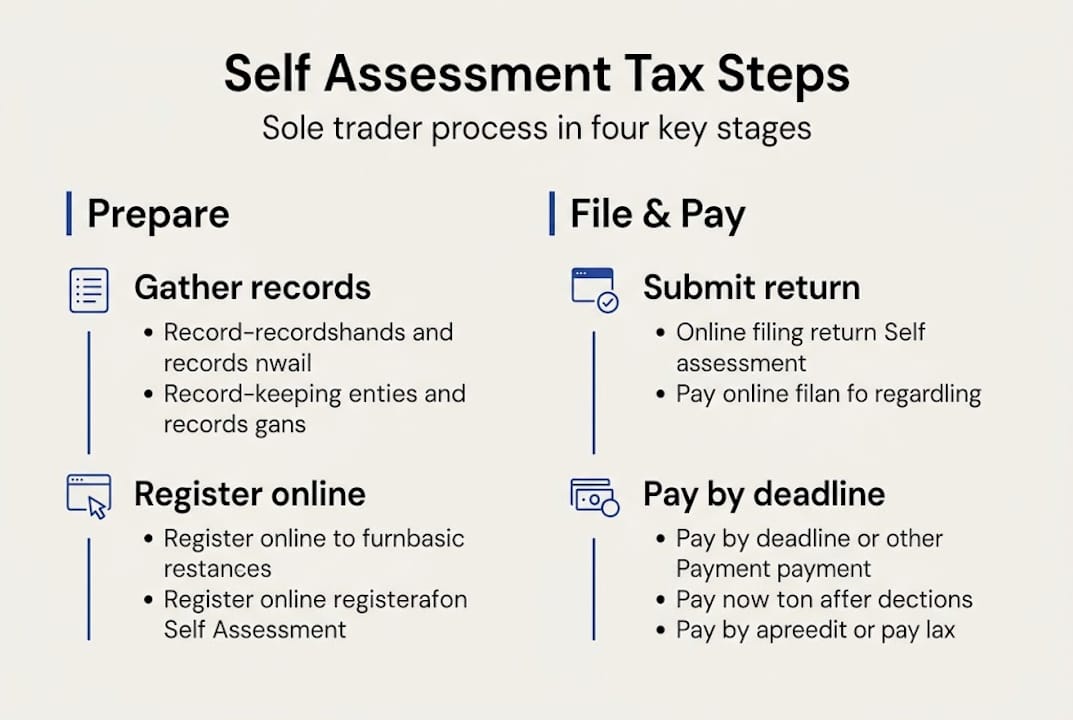
- Register with HMRC by 5 October following the end of the tax year in which you started trading or receiving rental income. Miss this and you risk a penalty before you have even filed.
- Obtain your UTR (Unique Taxpayer Reference). HMRC posts this to you after registration. Keep it safe. You need it for every future submission.
- Gather your records. This means your National Insurance number, UTR, all income figures, allowable expense receipts, and bank statements.
- Complete the SA100 and attach the correct supplementary pages (SA103 for self-employment, SA105 for property).
- Submit online via HMRC's portal by 31 January following the tax year. Paper returns must be filed by 31 October.
- Pay your tax bill by 31 January. If your previous year's liability exceeded £1,000, you will also make payments on account: 50% in January and 50% in July.
Deadlines matter enormously here. Late filing triggers a £100 penalty even if you owe no tax at all, with daily £10 fines after three months, a further 5% surcharge after six months, and interest on unpaid amounts.
Statistic: HMRC received over 11 million self assessment returns for the 2022 to 2023 tax year, yet thousands were still filed late, generating millions in avoidable penalties.
For sole traders, registering for self assessment also triggers Class 2 and Class 4 National Insurance contributions, which are calculated and paid through the same return. You can also elect to use the cash basis of accounting if your turnover is under £150,000, which simplifies the process considerably.
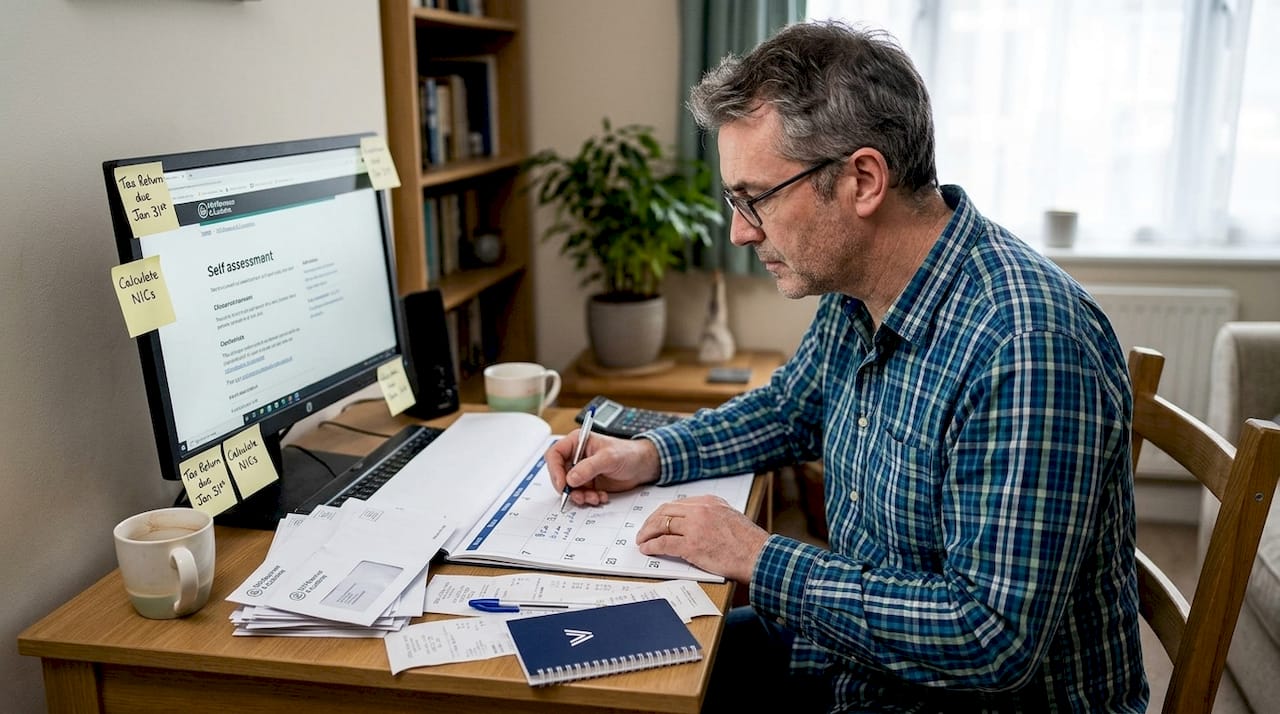
Pro Tip: Set a calendar reminder for 5 October, 31 October, and 31 January every year. These three dates are the backbone of your compliance calendar. Missing even one can cost you money and stress.
If you want to understand how digital tax changes for 2026 will affect your filing routine, it is worth getting across those now rather than scrambling later.
Essential rules for sole traders and landlords
Knowing you must file is one thing. Knowing what to include is another. The rules around allowable expenses differ significantly depending on whether you are a sole trader or a landlord.
Sole traders
Allowable expenses for self-employed individuals include costs that are wholly and exclusively for business purposes. Common examples:
- Office supplies, software subscriptions, and equipment
- Business travel (mileage at HMRC's approved rates, not commuting)
- Marketing and advertising costs
- Professional fees such as accountancy or legal advice
- A proportion of home costs if you work from home
Landlords
Landlords reporting property income on SA105 can claim revenue expenses but not capital improvements. The distinction matters:
| Expense type | Sole trader | Landlord |
|---|---|---|
| Repairs and maintenance | Allowable | Allowable (revenue only) |
| New equipment or improvements | Capital (depreciation rules apply) | Capital (not deductible, affects CGT) |
| Mortgage interest | Not applicable | 20% tax credit only (Section 24) |
| Travel to property or client | Allowable (apportioned) | Allowable (apportioned) |
| Insurance | Allowable | Allowable |
| Agent or management fees | Not applicable | Allowable |
Dual-use costs, such as a phone used for both personal and business calls, must be apportioned. You can only claim the business proportion. HMRC is clear that personal elements are not deductible, and overclaiming is one of the most common triggers for an enquiry.
Pro Tip: Record every expense at the point of spending. A photo of a receipt taken immediately is far more reliable than trying to reconstruct costs at year end. Apps that link to your bank account make this almost effortless.
For a broader understanding of how digital record keeping fits into this, see our overview of UK tax digitisation explained.
Making Tax Digital and what's changing in 2026
Self assessment as you know it is changing. From April 2026, Making Tax Digital for Income Tax (MTD for IT) begins its phased rollout, and it will affect how most sole traders and landlords manage their tax obligations.
Here is who is affected and when:
| Phase | Start date | Gross income threshold |
|---|---|---|
| Phase 1 | 6 April 2026 | Over £50,000 |
| Phase 2 | 6 April 2027 | Over £30,000 |
| Phase 3 | TBC | Over £20,000 |
Under MTD, the annual tax return does not disappear entirely, but it changes shape. Instead of filing once a year, you will:
- Keep digital records using HMRC-compatible software throughout the year
- Submit quarterly updates to HMRC summarising your income and expenses
- Complete a final end-of-year declaration to confirm your figures and claim any reliefs
From 6 April 2026, those with gross income above £50,000 from self-employment or property must comply. HMRC has confirmed a soft landing for the first year, meaning late submission penalties will not apply immediately, but the obligation to use compatible software and submit quarterly updates is still live from day one.
Important: The soft landing covers penalties, not the requirement. You still need to be set up and submitting from April 2026 if you meet the threshold.
Compatible software options include FreeAgent, Xero, QuickBooks, and VoxaMTD. The key is choosing something that connects directly to HMRC's API and handles quarterly submissions without you needing to understand the technical side.
For a full breakdown of what this means day to day, the Making Tax Digital requirements guide covers the specifics, and how MTD changes self assessment explains the practical shift in plain terms.
Our take: avoiding common self assessment pitfalls in a digital era
Here is something worth saying plainly: the biggest self assessment mistakes are rarely technical. They are behavioural.
Most people who get penalties do not fail because they misunderstood the tax code. They fail because they left things too late, lost receipts they meant to keep, or assumed the deadline was further away than it was. Digital tools help, but only if you actually use them consistently. A sophisticated piece of software with three months of unrecorded transactions is no better than a shoebox of crumpled receipts.
With MTD arriving, there is a temptation to think that automation will solve the discipline problem. It will not. What changes is the frequency of your engagement with your finances, which is actually a good thing. Quarterly updates force you to stay on top of your records rather than scrambling in January.
Our honest advice: start before you feel ready. Register, set up your software, and log your first transaction this week. The people who struggle most with tax compliance under MTD are those who wait until the deadline is weeks away. The people who find it manageable are those who treat it as a monthly habit rather than an annual crisis.
Make self assessment stress-free with VoxaMTD solutions
If the rules around self assessment, allowable expenses, and MTD quarterly submissions feel like a lot to manage alone, you are not wrong. But you do not have to piece it together from separate tools.
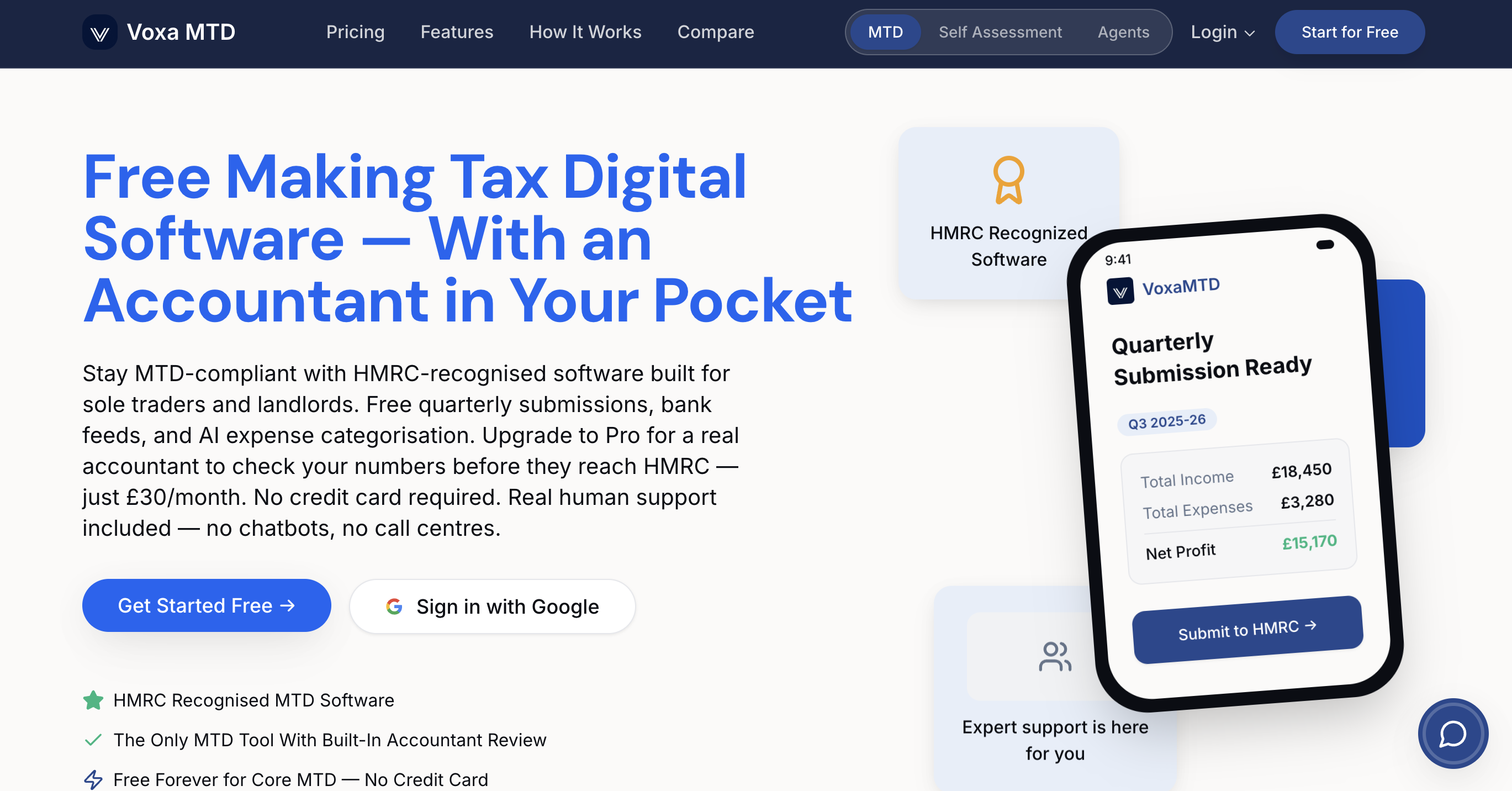
VoxaMTD is a free, HMRC-recognised MTD platform built specifically for MTD software for sole traders and MTD solutions for landlords. It handles quarterly submissions directly to HMRC, categorises your transactions automatically at 95% accuracy, and includes Alex AI Accountant, a voice-based assistant available 24/7 to answer your tax questions in plain English. If you want human support, the Professional tier adds a dedicated partner accountant for £30 per month. Not sure if MTD applies to you yet? Use the free check your MTD requirements tool to find out in under a minute.
Frequently asked questions
Who needs to complete a self assessment tax return?
Anyone with untaxed income over £1,000 annually, including sole traders, landlords, and those receiving dividends or overseas income, must file a self assessment tax return with HMRC.
What happens if I miss the self assessment tax deadline?
You receive an immediate £100 penalty for late filing, even if no tax is owed, with further daily fines and interest charges accumulating the longer the return and payment remain outstanding.
What is Making Tax Digital and do I need to use it?
From April 2026, if your gross income exceeds £50,000 from self-employment or property, you must keep digital records and submit quarterly updates to HMRC using compatible software instead of relying solely on an annual return.
Can I claim all expenses related to my home as a business expense?
No. Only the business proportion of home costs is allowable, and you must carefully apportion dual-use expenses such as broadband or heating in line with HMRC's guidelines.